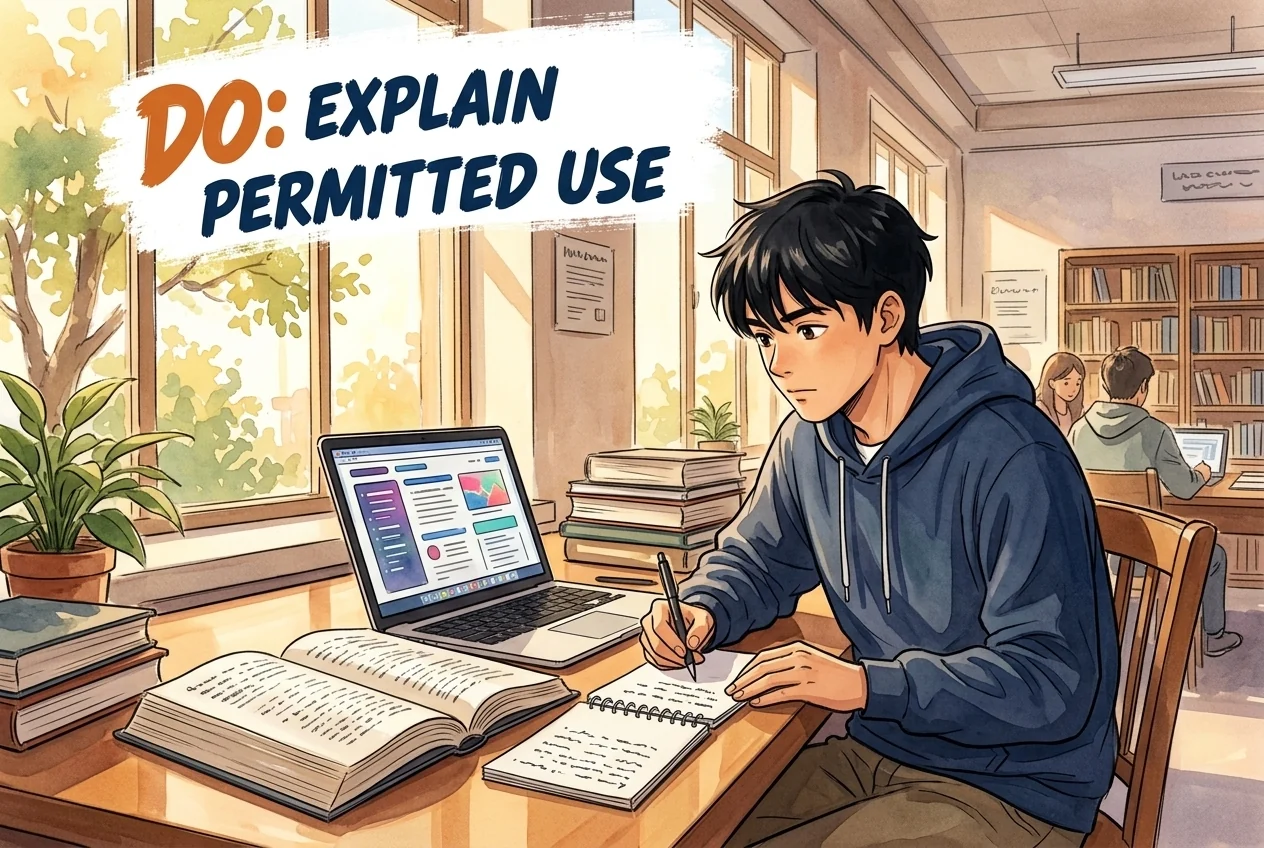
Do
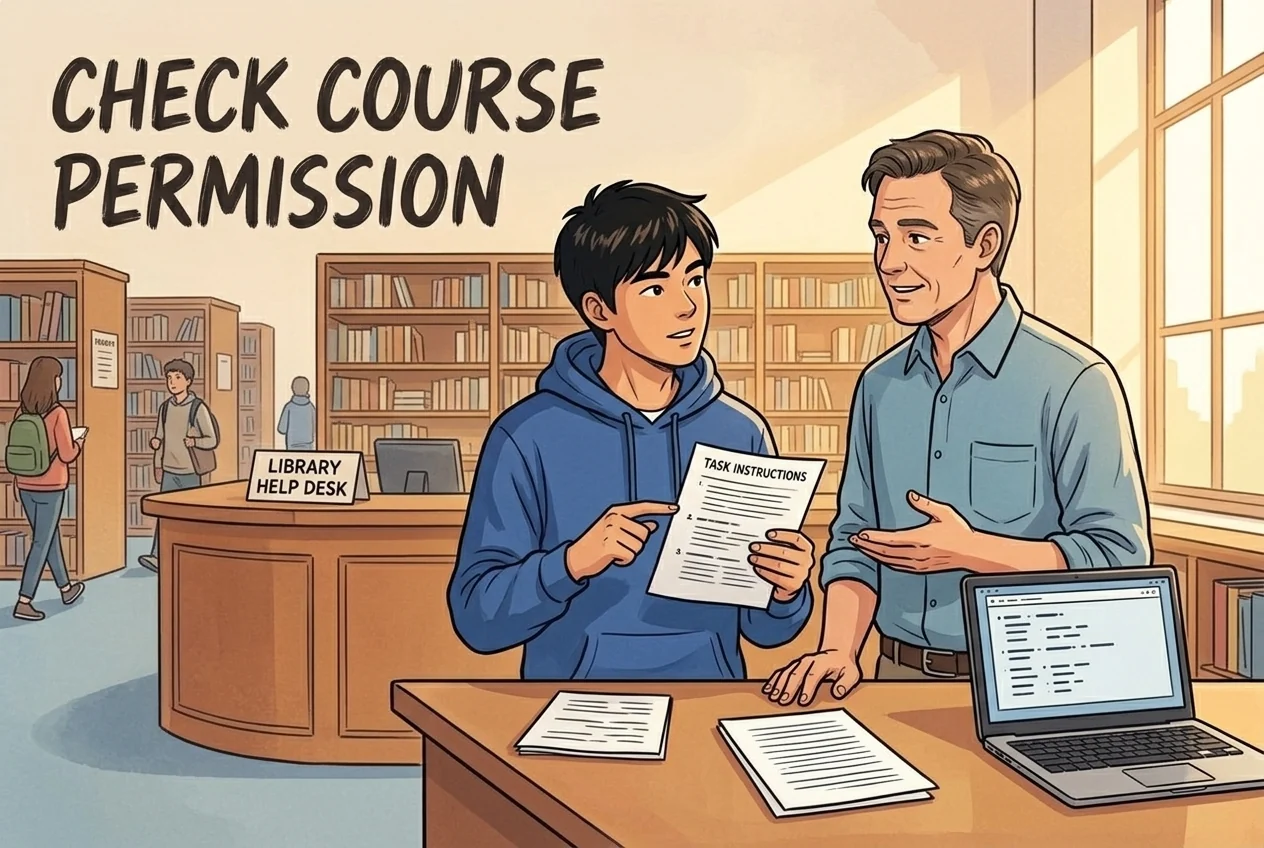
- Ask the professor or department chair for the applicable AI policy.
- Explain permitted assistance in the detail the professor requires.
- Verify outputs with reliable academic sources yourself.
Tulsa, United States
Student guide · Library guidance and course permission
McFarlin Library’s guide is educational and explicitly is not university-wide AI policy. Ask the professor before coursework use, follow the required disclosure detail and verify outputs. TU Copilot SSO guidance establishes access, not task permission. Formal academic misconduct rules are college/Provost matters; universal sanctions and clocks remain unverified.
A complete student policy summary is not available yet; see the collected claims and sources.
McFarlin Library’s guide is educational and explicitly is not university-wide AI policy. Ask the professor before coursework use, follow the required disclosure detail and verify outputs. TU Copilot SSO guidance establishes access, not task permission. Formal academic misconduct rules are college/Provost matters; universal sanctions and clocks remain unverified.
Supplement collected: 2026-10-08 · Current applicability not independently confirmed
Site interpretation
McFarlin Library’s guide is educational and explicitly does not represent generative-AI policy for the whole University of Tulsa. It advises requesting coursework or department AI policies from professors or department chairs; the guide was updated 14 September 2026.
Scope: McFarlin Library educational guide · McFarlin Library educational guidance explicitly is not university-wide AI policy. College/Provost academic policies and programme-specific handbooks govern formal misconduct; no universal formal clock established.
Scope: students · unit
Disclaimer
Information contained on this website is educational in nature and does not represent the generative-AI use policies for the entirety of The University of Tulsa. If you have questions about using generative-AI tools for your course work or in your department, McFarlin encourages you to reach out to your professors or department chairs and request their generative-AI or AI policies.
Generative AI Information Guide © 2025 by Kathryn Thomas is licensed under CC BY-SA 4.0
Next: Choosing Tools and Creating Prompts >>
Last Updated: Sep 14, 2026 10:16 AMView official source ↗Collected: 2026-10-08 · 114–118
SHA-256: 69fd632b9c5d0f2b71b23f7b93d6a0be7af7a706d25d6df7322d349ad56c5351
Site interpretation
The library’s disclosure example is illustrative: professors may require less or more detail. Best practice is to check with the professor before using any generative-AI tool, then follow the actual disclosure requirements.
Scope: McFarlin Library educational guide · McFarlin Library educational guidance explicitly is not university-wide AI policy. College/Provost academic policies and programme-specific handbooks govern formal misconduct; no universal formal clock established.
Scope: students · unit
Example Disclosure Statements
Please note this example is a very detailed AI disclosure statement. Professors may require less or more specific notes about your generative-AI use for course work. Best practice is to always check with your professor before using any generative-AI tools.View official source ↗Collected: 2026-10-08 · 88–89
SHA-256: a0f91ccb94998af637d40f6a7b4eabf3fdc9d835bafd990a740ad4587ea582b1
Site interpretation
Users remain responsible for fact checking regardless of the tool. Before coursework use, the library suggests asking whether the request would be inappropriate to make of a live tutor; this is educational guidance rather than a formal misconduct finding.
Scope: McFarlin Library educational guide · McFarlin Library educational guidance explicitly is not university-wide AI policy. College/Provost academic policies and programme-specific handbooks govern formal misconduct; no universal formal clock established.
Scope: students · unit
When choosing a generative-AI tool it is important to consider what you need the tool to assist you with. Are you looking to have a difficult concept broken down? Do you need help judging the tone of writing? Not sure which search terms you could use to find articles in a database? Curious to see if your wording is as clear and direct as you believe it to be? All of these scenarios could benefit from the assistive use of a generative-AI tool.
Not all generative-AI tools are built the same, so it is important to know what the tool was designed to do. When considering a large language model (Copilot, ChatGPT, Perplexity) try using it like a Socratic partner. LLMs can take in large amounts of text with detailed language which makes them a great choice for brainstorming or conceptual understanding. However, there are also many tools that are more single-task oriented, which can help you with every day tasks in addition to your academic life.
Regardless of the tool you choose, you need to write prompts that are CLEAR, and remember it is still your responsibility to fact check any information. This page outlines some important notes on specific tools, their intended uses, and guidelines for creating improved prompts that will yield better results.
Before you use a generative AI tool for course work, ask yourself this question...
"Am I about to ask this Generative AI tool to do something I wouldn't ask a live tutor to do?"
Source: Ellen Carillo, Professor of English and Writing Coordinator, University of ConnecticutView official source ↗Collected: 2026-10-08 · 88–93
SHA-256: 913336d424c9d15c402b06e13f5dd347d8dfd7525aeb18e6de9b0236bc295bcd
Site interpretation
Tulsa’s student handbook explains that additional programme handbooks may apply and academic misconduct policies are established, published and enforced by the colleges and Provost’s Office. The reviewed public guide does not establish one universal AI sanction, hearing or appeal deadline.
Scope: students · McFarlin Library educational guidance explicitly is not university-wide AI policy. College/Provost academic policies and programme-specific handbooks govern formal misconduct; no universal formal clock established.
Scope: students · university
The rules, regulations, and policies contained on this page apply to all TU students, full-time and part-time, including, but not limited to undergraduates, graduates, law school students, athletes, residence hall occupants, apartment occupants, members of fraternities and sororities and commuting students. In addition to the rules, regulations and policies contained here, other handbooks specific for certain groups of students apply as well. Therefore, the Policies & Procedures Handbook for School of Nursing, Sports Medicine Handbook, Student-Athlete Handbook, Academic Bulletins, College of Law Handbook containing the Policies and Regulations and Law School Student Code of Conduct, The Guide to Living on Campus, Office of Research and Sponsored Programs: Policies, Procedures & Guidelines, or Student Union Facilities booklet also may apply to you.
These policies do not constitute a contract. These policies provide information and represent certain significant policies of the University. Academic policies, including policies relating to academic misconduct, are established, published, and enforced by the colleges and the Office of the Provost.
Policies are subject to change at any time due to federal law or as deemed necessary by the university.View official source ↗Collected: 2026-10-08 · 284–286
SHA-256: 7710c818f2066798bf2673a40277b8f4304c499d81bc2dc1f47717fce42832dd
Site interpretation
The library guide says TU encourages Microsoft Copilot and describes free enterprise-protected access through TU SSO, Microsoft authentication and Work selection. This is verified institutional-access guidance, not permission to use it for every assessment, nor a live account-login test.
Scope: McFarlin Library educational guide · McFarlin Library educational guidance explicitly is not university-wide AI policy. College/Provost academic policies and programme-specific handbooks govern formal misconduct; no universal formal clock established.
Scope: students · unit
The University of Tulsa encourages the use of Microsoft's Copilot LLM.
When you use your TU SSO credentials to login to Copilot, you are accessing an enterprise-protected version of Copilot. This level of access is included in your TU Office Suite - you are not required to pay anything. This enterprise account provides an extra layer of security, and seamlessly integrates into your existing Microsoft applications.
It requires the Edge browser to work seamlessly.
To ensure that you are taking advantage of your TU enterprise protection in Copilot, please follow the steps below.
Open the Edge browser.
Go to office.utulsa.edu
BEFORE you ask a question, select "Sign in" in the top right corner of the screen.
Then select "Continue with Microsoft" as your sign-in option.
Use your TU SSO credentials (abc0000@utulsa.edu)
Note: You will need to authenticate your login using Microsoft Authenticator.
It will then ask, "Which Copilot experience are you looking for?" - select Work.
Note: You should see your UTulsa username below the Work option.
You are now logged in.
Note: You should see a small green shield in the top right corner, indicating you are enterprise protected!View official source ↗Collected: 2026-10-08 · 74–87
SHA-256: 913336d424c9d15c402b06e13f5dd347d8dfd7525aeb18e6de9b0236bc295bcd
Site interpretation
Tulsa’s public accessibility page provides Student Access, student-accommodation resources and an Accessibility Services Portal. This is a verified support entry point, not evidence that an academic-misconduct deadline is automatically extended.
Scope: students · McFarlin Library educational guidance explicitly is not university-wide AI policy. College/Provost academic policies and programme-specific handbooks govern formal misconduct; no universal formal clock established.
Scope: students · university
About Student Access
Accessibility for Students
Student Coaching Groups
Accommodations for Visitors
Accessibility FAQs
Forms, Guidelines, Policies
D-CARES
The University of Tulsa is committed to full and equal access for all. Accessibility @ UTulsa provides leadership and support through inclusive and affirming practices in all campus programs, initiatives, services, and aids.
Accessibility Services Portal
Accessibility Resources
ADA Campus Map
CaneCareers
Report A Concern
Rights & Responsibilities
Accommodations for Visitors
Accommodations for StudentsView official source ↗Collected: 2026-10-08 · 282–297
SHA-256: 7aa1e780298149d3becf012939b4a5e28d33b97dc04a1a0a626bebf25c352397
Published source-based additions. English summaries and original-language quotations are shown separately from the reviewed record. These are possible processes and outcomes, not automatic penalties for AI use. Present applicability has not been independently confirmed; check the source scope and version.
Source-text comparison; not an official translation
Hashes allow comparison of saved content; they do not certify current validity or immutability. These topics are not a mandatory sequence.
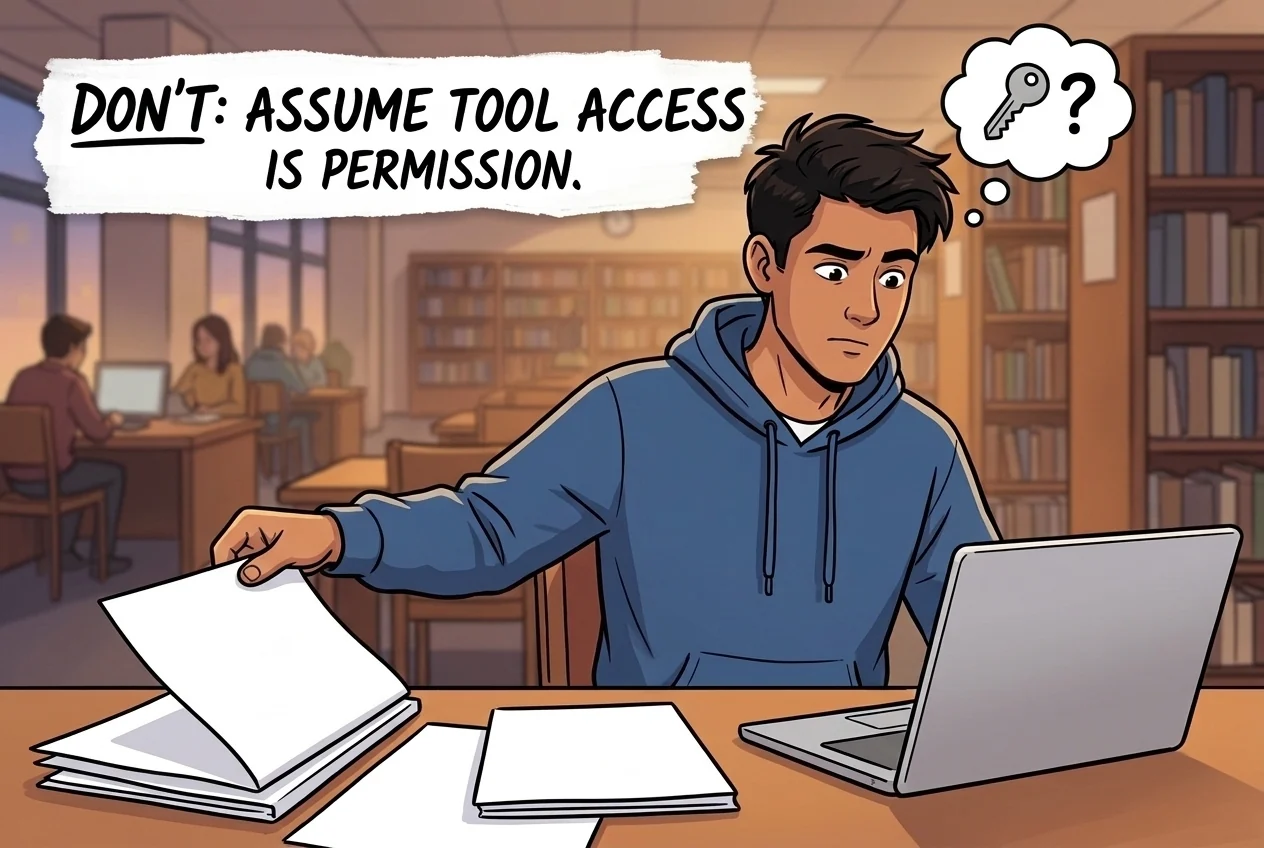
Tool access is not permission to use AI in an assessment. Check your assignment rules, eligible users and data restrictions.
Archived tool record; consult the official source for current access.
Original quotation
University of Tulsa's McFarlin Library Generative AI guide says the university encourages Microsoft's Copilot LLM and describes TU SSO access as an enterprise-protected Copilot experience included with the TU Office Suite.Original quotation
When you use your TU SSO credentials to login to Copilot, you are accessing an enterprise-protected version of Copilot.Reviewed record
4 reviewed claims
Academic Integrity
Normalized value: citation/disclosure guidance; check with professor
Original evidence
Evidence 1Professors may require less or more specific notes about your generative-AI use for course work. Best practice is to always check with your professor before using any generative-AI tools.
Teaching
Normalized value: fact-check responsibility and tutor-comparison coursework caution
Original evidence
Evidence 1Regardless of the tool you choose, you need to write prompts that are CLEAR, and remember it is still your responsibility to fact check any information.
Ai Tool Treatment
Normalized value: Copilot encouraged; TU SSO enterprise protection described
Original evidence
Evidence 1The University of Tulsa encourages the use of Microsoft's Copilot LLM. When you use your TU SSO credentials to login to Copilot, you are accessing an enterprise-protected version of Copilot.
Source Status
Normalized value: official library guide; not university-wide policy
Original evidence
Evidence 1Information contained on this website is educational in nature and does not represent the generative-AI use policies for the entirety of The University of Tulsa.
Source record
3 sources
libraries.utulsa.edu
libraries.utulsa.edu
libraries.utulsa.edu
Citation: University AI Policy Tracker. "University of Tulsa AI Policy Tracker record." Last checked May 25, 2026. https://eduaipolicy.org/universities/university-of-tulsa
Original university source language remains canonical. This tracker is not an official university statement.
Open change logSaved from University AI Policy Tracker. This record summarizes the cited sources; it is not an official university statement or assessment permission. Source and review dates are listed above. Hashes identify retained content, not authorization.