Perkara yang perlu dilakukan
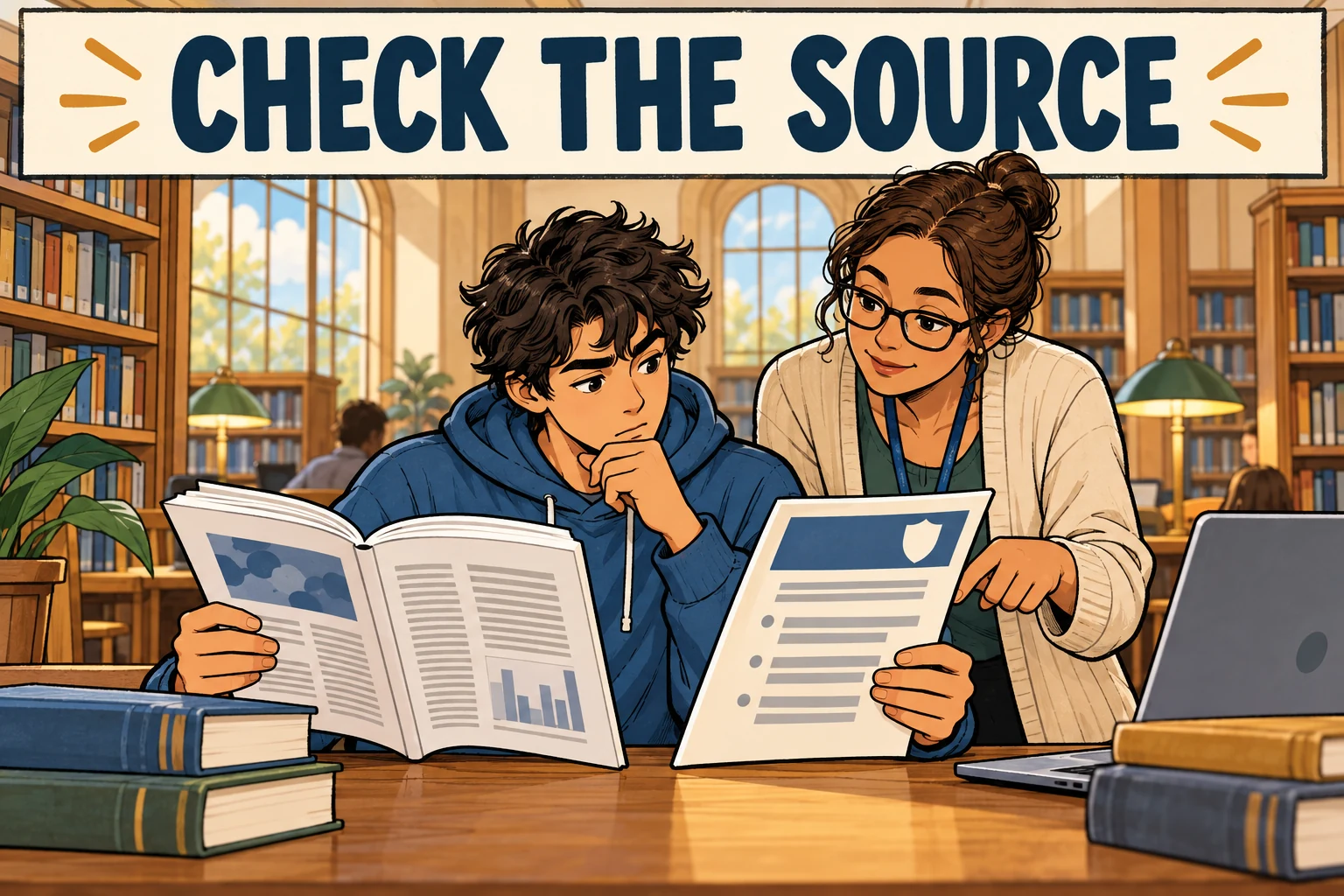
- Check the task or ask the Subject Coordinator.
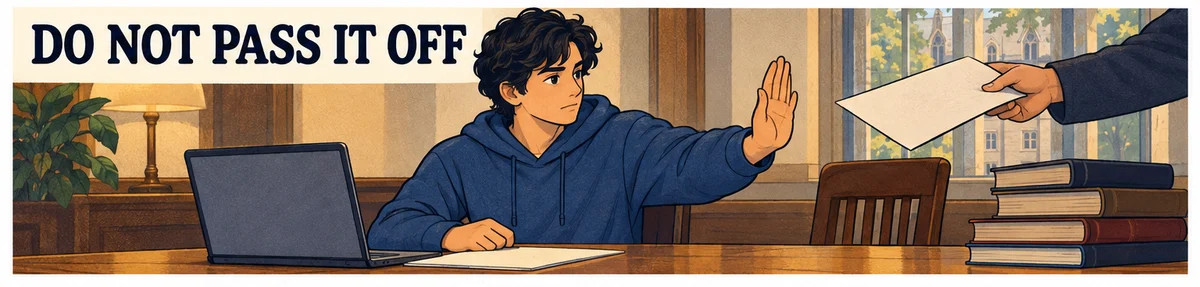
- Keep drafts and explain how the work developed.
- Separate hearing notice from student appeal time.
Milperra, Australia
Student guide · Task scope and procedure
Subject Outlines and Ultra govern each task; permitted Copilot/Firefly access has privacy conditions. The official misconduct FAQ is captured, while formal policy pages remained blocked and are an explicit gap.
Panduan dasar di bawah adalah dalam bahasa Inggeris; bukti rasmi dikekalkan dalam bahasa asal.
Ringkasan lengkap peraturan pelajar belum tersedia; rujuk pernyataan dan sumber yang dikumpulkan.
Subject Outlines and Ultra govern each task; permitted Copilot/Firefly access has privacy conditions. The official misconduct FAQ is captured, while formal policy pages remained blocked and are an explicit gap.
Tambahan dikumpulkan: 2026-10-09 · Pemakaian semasa belum disahkan secara bebas
Ringkasan kini tersedia dalam bahasa Inggeris
Tafsiran laman
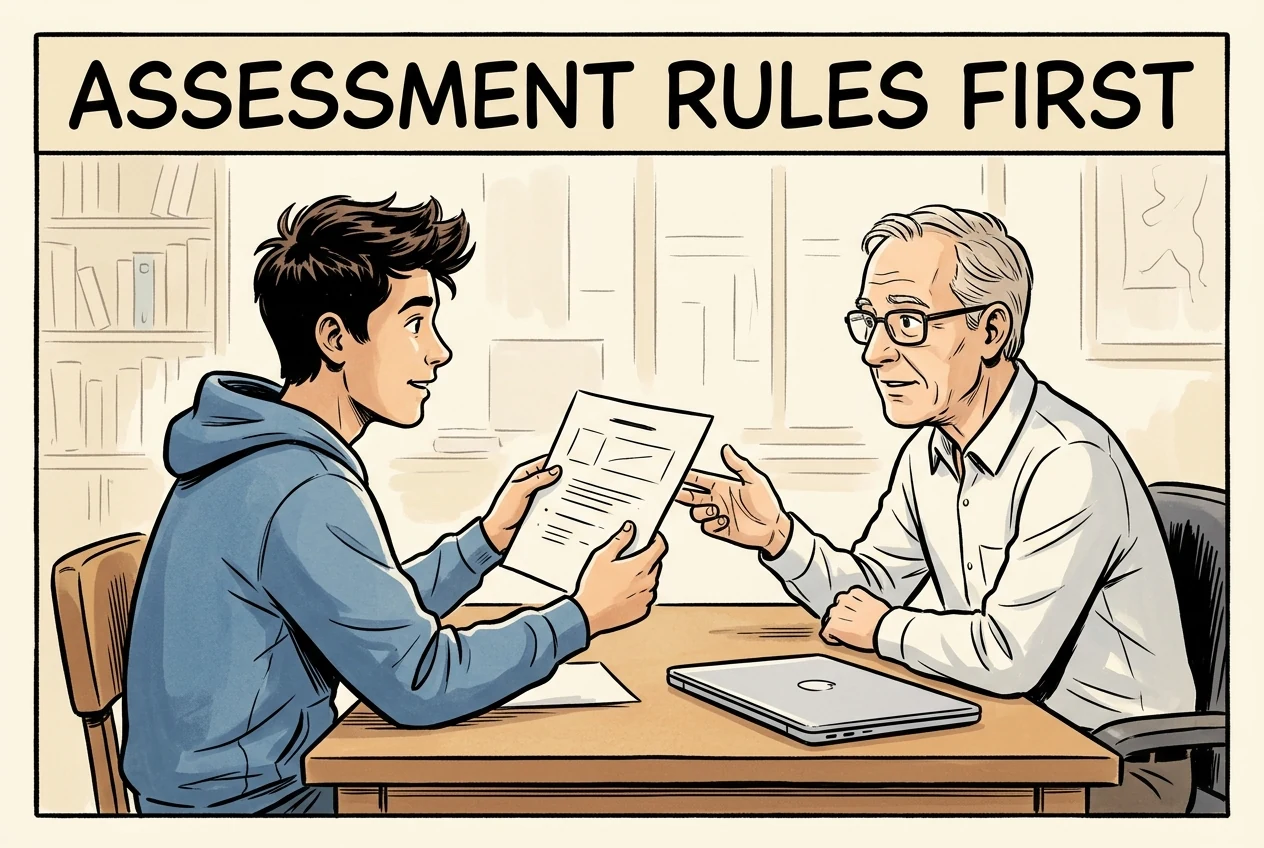
Permission differs by assessment task: read the Subject Outline and Ultra instructions or ask the Subject Coordinator. Appropriate AI may be encouraged, restricted or required depending on the task; acknowledge permitted use.
Skop: Students in the cited programme/course/stage only · Only the captured source, version, audience and conditions; no exhaustive currency certification.
Skop: Students in the cited programme/course/stage only · university
⚠️ Generative AI at Western - What you need to know
Read the following information below on how you can appropriately use generative AI at Western.
Where can I find the most up-to-date info about Academic Integrity and Generative AI at Western?
If you have just started out at Western, complete the Academic Integrity Module (AIM) as soon as possible. This module will help you understand the importance of academic integrity in the university context and has a section on generative AI.
Otherwise, check out our Generative AI Module. This module is based on the AIM but also provides more detail on generative AI that is useful for your studies and future career.
Western Sydney University encourages the appropriate use of generative AI. In some subjects, you may be asked to use generative AI as a tool, but it is restricted in some subjects and some assessment tasks.
Can I use Generative AI in my assessments?
Generative AI guidelines will be different for each assessment task. Read the generative AI statements in your Subject Outline for each new assessment task, check information on Ultra or check with your Subject Coordinator. Do not assume the advice is the same for every task, or every subject. It is your responsibility to read your Subject Outlines and check information on Ultra.
Check out our Generative AI Guide for example statements from Subject Outlines.
If you are using generative AI, make sure you are acknowledging it. This Library webpage explains how.Lihat sumber rasmi ↗Dikumpulkan: 2026-10-09 · 54–63
SHA-256: 8769c8db6b6154885d05d3b99b8840bff60453d85a19c9e7dc3da58dbcb80127
Tafsiran laman
A request to explain work or provide drafts is not by itself a misconduct allegation. Where AI is restricted, grammar aids may be used only without generative features. AI paraphrasing copied text is not original work, and AI translation into English needs permission.
Skop: Students in the cited programme/course/stage only · Only the captured source, version, audience and conditions; no exhaustive currency certification.
Skop: Students in the cited programme/course/stage only · university
Non-generative spelling/grammar functions remain distinct from generative features; translation requires permission.
What if I haven’t used generative AI but my assignment is flagged in Turnitin for AI use?
You may be asked to explain what you have written in your assessment or provide notes or an early draft of your assessment. On its own, this request is not an allegation of misconduct.
When am I supposed to reference generative AI text or images?
Check the ‘Referencing/Acknowledging generative AI ’ section of the generative AI module for current advice on acknowledging generative AI.
How can I use generative AI in my research?
Check out the Library Guide on AI Tools in Academic Research for the range of databases available to you with generative AI features.
Is Grammarly considered generative AI?
Grammarly has recently updated the free version of Grammarly. The free version of Grammarly now contains generative AI features. So where generative AI use is restricted in your subjects, tools to assist with spelling and grammar can be used only where these do not use generative AI. Learn how to turn off generative AI features in Grammarly.
Can I use Quillbot to paraphrase text I find online?
In short, the answer is no. In your assessments, you need to make sure you're learning and paraphrasing in your own words. Check How-To Guides for Paraphrasing. Using AI to paraphrase text from an article and then pasting that paraphrased text in your assignment is NOT original or appropriate.
Can I use generative AI to translate my work into English?
Unless given permission, in short, the answer is no. Relying on generative AI for translation into English negatively impacts on the learning process. Generative AI does not understand cultural and subject-specific nuances in writing, so you will find that the translations are not accurate and will negatively impact your work.Lihat sumber rasmi ↗Dikumpulkan: 2026-10-09 · 74–85
SHA-256: 8769c8db6b6154885d05d3b99b8840bff60453d85a19c9e7dc3da58dbcb80127
Tafsiran laman
Where AI use is permitted, students have access to Microsoft Copilot using the student/staff ID and Adobe Firefly through the Creative Campus offering. Even with account protection, avoid personal or confidential information. The page says Turnitin AI reports are staff-only and warns against unreliable online AI detectors; no entitlement or detector accuracy was independently tested.
Skop: Students in the cited programme/course/stage only · Only the captured source, version, audience and conditions; no exhaustive currency certification.
Skop: Students in the cited programme/course/stage only · university
What AI tools do I have access to at Western Sydney University?
Where the use of generative AI is permitted, the following tools are available to students:
1. Microsoft Co-Pilot: open the Microsoft Edge Browser and go to https://copilot.microsoft.com/
Signing in with your student or staff ID enables commercial data protection. This means that your data may safer compared to other generative AI models. Even with commercial data protection, you should be careful to avoid entering personal informational or anything confidential.
Contact the IT Service Desk if you are having trouble logging in or try this alternative link instead.
2. Adobe Firefly: Western Sydney University is NSW’s first Adobe Creative Campus meaning we have access to an amazing suite of Adobe tools. Adobe Firefly uses everyday language to create images with generative AI. Find out how to access Adobe Firefly at Western Sydney University.
What is the Turnitin AI Detector? Why can’t I see it?
AI detection reports help staff to identify when AI writing tools maybe have been used. These reports are not available to students. This is a decision made by Turnitin and cannot be altered by the university.
Avoid using any online tools for AI Detection. These tools are not reliable and may put you at risk.
If you provide your details to access one of these tools you may be at risk of identity theft. If this happens to you, the University will support you. Contact Wellbeing Services on 1300 668 370 (option 5).Lihat sumber rasmi ↗Dikumpulkan: 2026-10-09 · 64–73
SHA-256: 8769c8db6b6154885d05d3b99b8840bff60453d85a19c9e7dc3da58dbcb80127
Tafsiran laman
The research-integrity presentation advises researchers not to rely wholly on AI literature reviews, to acknowledge which parts used AI and to cross-check references. This is scenario-based research guidance, not a complete student assessment policy.
Skop: Researchers considering the presentation’s literature-review scenario · Scenario-based research presentation; not a complete student assessment policy.
Skop: Researchers considering the presentation’s literature-review scenario · university
Response to Scenario 1
Some Considerations Recommendations
Reliability of a literature review undertaken using • Don’t rely fully on GAI to do your literature review
the GAI tool: it can suggest plausible sounding
but incorrect or nonsensical responses • Break down your search criteria into smaller chunks
• Use it to find structure and help guide your search –
Information source: pre-2021 and often unclear. may give a framework
References can be inaccurate/non-existent. It’s
formulaic in structure, style, and content. • Acknowledge use (how much and which sections) of
GAI in your literature review
AI detection tools
• Take responsibility for the content and cross check
referencesLihat sumber rasmi ↗Dikumpulkan: 2026-10-09 · 59–72
SHA-256: ea52f8052f2b77312800a5e11594ce058f6337f751dc687e2fe9a5cc21be32f4
Tafsiran laman
The student misconduct FAQ gives rights to notice, response, an impartial hearing and a support person. A hearing notice must be sent at least 10 business days before the hearing; that institutional notice period is not a student’s appeal window. Findings use the balance of probabilities. The underlying formal policy remained blocked during this capture.
Institusi · Diperlukan bagi prosedur ini
Sekurang-kurangnya bilangan hari ini sebelum pendengaran. Semak titik mula, skop dan pengecualian dalam ringkasan serta teks asal.
Skop: Students in the cited programme/course/stage only · Official procedure summary only; underlying complete formal procedure not acquired or fully certified.
Skop: Students in the cited programme/course/stage only · university
Formal underlying rule not acquired; this record represents the official FAQ.
Be informed about the allegation, with a reasonable level of detail to enable them to respond;
Have a reasonable opportunity to respond to the allegation, including reviewing any evidence and an opportunity to present their own evidence;
Appeal on specified grounds any finding of misconduct made or sanction imposed;
Expect that those who hear the allegation of misconduct will act fairly and impartially;
Access Student Support Services for assistance.
Students also have certain responsibilities throughout the process, including:
Not to intimidate, harass or threaten any witnesses, tamper with evidence or interfere with any investigation
To conduct themselves in a civil and courteous fashion at any interview or hearing, and not be disruptive
Information on procedural fairness can be found here (opens in new window).
Will I be notified if there is a misconduct hearing?
Yes. The University will send you an official notice via your student email account. The notice will include details of the alleged misconduct including what you are alleged to have done, and when and where it happened. It will also advise when and where the hearing will take place, and support options available to you. A Notice of Hearing must give you a minimum of 10 business days notice. You will be given copies of the Student Misconduct Rule and any evidence that is available.
How do I prepare for a hearing?
It's very important that you attend any hearing so you have an opportunity to give your version of what happened. If you don't, you run the risk of an unfavorable finding and sanction being made in your absence. If you receive a notice, you should:
Call the contact person listed to confirm your attendance. If for some valid reason you cannot attend that day (eg, if you are overseas), tell the contact person who will try to make other arrangements to ensure you can attend
Confirm whether you will bring a support person or advocate with you. Please note that it is very important that your support person or advocate is available on that day, as the hearing won't be delayed for their convenience
Consider preparing a written submission and attach any evidence you have so you can hand it in either before or at the hearing. This can help you to provide some context to what happened. Also, you may not have time or forget to cover off all points at the hearing, so a written submission might be useful.
What can I expect at the hearing?
The procedures used at student misconduct hearings are not as formal as those used in courts, but they are designed to ensure fairness.
An Authorised Officer (often the Deputy Dean) will facilitate the hearing or if your matter has been referred to the Student Misconduct Committee the Chair of the panel (consisting of three people) will have this role. How the Committees are formed is set out in the Student Misconduct Rule. All of them are required to be impartial.
Student Misconduct Committees are not bound by the normal rules of evidence that apply in court proceedings and the standard of proof applied is not the criminal standard of "beyond reasonable doubt". The applicable standard is the civil "balance of probabilities" standard.Lihat sumber rasmi ↗Dikumpulkan: 2026-10-09 · 73–92
SHA-256: 0131caf29c0552cf1d2a4775894396f6a4cf9978536654c5cf869cf628b6be89
Tafsiran laman
The FAQ requires an appeal within 20 business days after receiving notice of the decision. Grounds include procedural issues, relevant new evidence previously unavailable, or disproportionate sanction; explain why new evidence was unavailable. This is the student submission period, separate from hearing notice.
Pelajar · Diperlukan bagi prosedur ini
Dalam tempoh yang dinyatakan. Semak titik mula, skop dan pengecualian dalam ringkasan serta teks asal.
Skop: Students in the cited programme/course/stage only · Official procedure summary only; underlying complete formal procedure not acquired or fully certified.
Skop: Students in the cited programme/course/stage only · university
Do I have a right of appeal if a finding is made against me?
Yes. All students who are managed under the Student Misconduct Rule have a right to appeal the finding and/or any sanction imposed on specified grounds as set out in the Student Misconduct Rule under clause 15. Appeals are generally decided on papers unless new and/or fresh evidence has been provided, in which case you will be invited to meet with the Appeals Committee. See How do I submit an appeal? for more information.
How do I submit an appeal?
You may lodge a Notice of Appeal by completing a Student Misconduct Notice of Appeal Form and submitting it, along with all relevant documents and material, to studentmisconduct@westernsydney.edu.au. Your notice of appeal must be submitted no later than 20 business days of receiving the notice of decision.
Your appeal will need to clearly specify and explain which of the three grounds of appeal you are relying on. These grounds of appeal are listed in clause 15 of the Student Misconduct Rule and are listed below:
the finding of Misconduct was made in breach of the requirements of procedural fairness or of a material requirement of the Student Misconduct Rule;
there is new or fresh evidence that is relevant to the original finding(s) of Misconduct and that evidence was not known or reasonably available to you before the funding of Misconduct was made and could reasonably be expected to affect the finding of Misconduct or the sanction imposed;
In addition to submitting the new or fresh evidence, you must also explain (with supporting documentation if relevant) why this evidence was not available to you at the time a finding was made.
the sanction imposed is:
inconsistent with Part 5 - Sanctions for Misconduct; or
excessive and out of proportion to the Misconduct, taking into account any current and relevant Guidelines.Lihat sumber rasmi ↗Dikumpulkan: 2026-10-09 · 121–131
SHA-256: 0131caf29c0552cf1d2a4775894396f6a4cf9978536654c5cf869cf628b6be89
Tambahan berasaskan sumber yang diterbitkan. Ringkasan Inggeris dan petikan asal dipisahkan daripada rekod yang disemak. Proses dan hasil bukan hukuman automatik bagi penggunaan AI. Pemakaian semasa belum disahkan secara bebas; semak skop dan versi sumber.
Disemak dengan teks tersimpan; bukan terjemahan rasmi
Hash membolehkan perbandingan teks tersimpan; ia tidak mengesahkan kesahan semasa atau ketidakbolehubahan. Tema ini bukan urutan wajib.
Akses alat bukan kebenaran menggunakannya dalam penilaian. Semak peraturan tugasan, pengguna yang layak dan sekatan data.
Rekod arkib; semak sumber rasmi untuk akses semasa. Butiran akses dan petikan dikekalkan dalam bahasa asal.
Named as an endorsed student tool where task AI is permitted. Separate Creative Campus access conditions; no account entitlement tested.
Use the linked Creative Campus Adobe access instructions.
No individual price established.
Tarikh semakan tambahan:
Petikan asal
What AI tools do I have access to at Western Sydney University?
Where the use of generative AI is permitted, the following tools are available to students:
1. Microsoft Co-Pilot: open the Microsoft Edge Browser and go to https://copilot.microsoft.com/
Signing in with your student or staff ID enables commercial data protection. This means that your data may safer compared to other generative AI models. Even with commercial data protection, you should be careful to avoid entering personal informational or anything confidential.
Contact the IT Service Desk if you are having trouble logging in or try this alternative link instead.
2. Adobe Firefly: Western Sydney University is NSW’s first Adobe Petikan asal
Creative Campus meaning we have access to an amazing suite of Adobe tools. Adobe Firefly uses everyday language to create images with generative AI. Find out how to access Adobe Firefly at Western Sydney University.
What is the Turnitin AI Detector? Why can’t I see it?
AI detection reports help staff to identify when AI writing tools maybe have been used. These reports are not available to students. This is a decision made by Turnitin and cannot be altered by the university.
Avoid using any online tools for AI Detection. These tools are not reliable and may put you at risk.
If you provide your details to access one of these tools you may be at risk of identity theft. If this happens to you, Petikan asal
the University will support you. Contact Wellbeing Services on 1300 668 370 (option 5).Available where task AI is permitted. Student/staff ID enables the protection described by the University; avoid personal/confidential information.
Edge and copilot.microsoft.com; student/staff ID.
No individual price established.
Tarikh semakan tambahan:
Petikan asal
What AI tools do I have access to at Western Sydney University?
Where the use of generative AI is permitted, the following tools are available to students:
1. Microsoft Co-Pilot: open the Microsoft Edge Browser and go to https://copilot.microsoft.com/
Signing in with your student or staff ID enables commercial data protection. This means that your data may safer compared to other generative AI models. Even with commercial data protection, you should be careful to avoid entering personal informational or anything confidential.
Contact the IT Service Desk if you are having trouble logging in or try this alternative link instead.
2. Adobe Firefly: Western Sydney University is NSW’s first Adobe Petikan asal
Creative Campus meaning we have access to an amazing suite of Adobe tools. Adobe Firefly uses everyday language to create images with generative AI. Find out how to access Adobe Firefly at Western Sydney University.
What is the Turnitin AI Detector? Why can’t I see it?
AI detection reports help staff to identify when AI writing tools maybe have been used. These reports are not available to students. This is a decision made by Turnitin and cannot be altered by the university.
Avoid using any online tools for AI Detection. These tools are not reliable and may put you at risk.
If you provide your details to access one of these tools you may be at risk of identity theft. If this happens to you, Petikan asal
the University will support you. Contact Wellbeing Services on 1300 668 370 (option 5).Reviewed record
Pernyataan yang disemak: 10
Academic Integrity
Nilai ternormalisasi: inappropriate_genai_assessment_may_lead_penalties_student_misconduct_rule
Bukti asal
Bukti 1Inappropriate use of any generative AI tools in assessment tasks may lead to penalties under the Student Misconduct Rule.
Academic Integrity
Nilai ternormalisasi: student_ai_use_task_specific_subject_outline_vuws_subject_coordinator
Bukti asal
Bukti 1Generative AI guidelines will be different for each assessment task. Read the generative AI statements in your Subject Outline for each new assessment task, check information on vUWS or check with your Subject Coordinator. Do not assume the advice is the same for every task, or every subject.
Academic Integrity
Nilai ternormalisasi: ai_tool_categories_subject_assessment_instruction_limits
Bukti asal
Bukti 1Paraphrasing tools should not be used unless required within a subject or assessment task instructions... Use of translation tools for writing, audio or video translation is not permitted unless required within a subject or assessment task instructions... Code generators should not be used unless required within a subject or assessment task instructions.
Pengajaran
Nilai ternormalisasi: staff_designing_ai_responsible_assessment_learning_strategy_developing
Bukti asal
Bukti 1Staff at Western are designing assessment and learning experiences that equip students for active and responsible participation in a society that includes generative AI... Western is developing an AI strategy and guidance on using generative AI in learning and teaching.
Privasi
Nilai ternormalisasi: ai_policy_privacy_security_commitments
Bukti asal
Bukti 1commencing with 'Security by design', emphasising the importance of protecting sensitive data and protecting the personal information of individuals... educating system users... implementing robust security measures to safeguard and monitor AI systems
Penyelidikan
Nilai ternormalisasi: research_integrity_genai_literature_review_acknowledge_cross_check_ethics_draft_editing
Bukti asal
Bukti 1Don't rely fully on GAI to do your literature review... Acknowledge use... Take responsibility for the content and cross check references... Ensure that you do not use GAI to write the ethics applications in full: okay to use for a first draft or for editing of the application
Ai Tool Treatment
Nilai ternormalisasi: {"tool":"adobe_firefly","rawToolName":"Adobe Firefly","description":"Western Sydney University lists Adobe Firefly as a university-endorsed generative-AI tool and directs users to the university's Adobe access page; use remains subject to the stated permission boundary.","howToObtain":"Follow Western Sydney University's Adobe Firefly access instructions, where generative-AI use is permitted.","costToUser":"Not specified.","availability":"conditionally_allowed","endorsementType":"officially_endorsed"}
Bukti asal
Bukti 1University-Endorsed Generative AI Tools: This video explores our two university-endorsed generative AI tools: Microsoft Co-Pilot and Adobe. Where the use of generative AI is permitted, the following tools are available to students. Adobe Firefly: Western Sydney University is NSW’s first Adobe Creative Campus meaning we have access to an amazing suite of Adobe tools. Find out how to access Adobe Firefly at Western Sydney University here.
Paparan setempat only
University-Endorsed Generative AI Tools: This video explores our two university-endorsed generative AI tools: Microsoft Co-Pilot and Adobe. Where the use of generative AI is permitted, the following tools are available to students. Adobe Firefly: Western Sydney University is NSW’s first Adobe Creative Campus meaning we have access to an amazing suite of Adobe tools. Find out how to access Adobe Firefly at Western Sydney University here.
Ai Tool Treatment
Nilai ternormalisasi: {"tool":"microsoft_copilot","rawToolName":"Microsoft Copilot","description":"Western Sydney University lists Microsoft Copilot as a university-endorsed generative-AI tool; it is available to students where generative-AI use is permitted and student or staff sign-in enables commercial data protection.","howToObtain":"Sign in to Copilot using a Western Sydney University student or staff ID, where use is permitted.","costToUser":"Not specified.","availability":"conditionally_allowed","endorsementType":"officially_endorsed"}
Bukti asal
Bukti 1University-Endorsed Generative AI Tools: This video explores our two university-endorsed generative AI tools: Microsoft Co-Pilot and Adobe. Where the use of generative AI is permitted, the following tools are available to students: Microsoft Co-Pilot. Signing in with your student or staff ID enables commercial data protection.
Paparan setempat only
University-Endorsed Generative AI Tools: This video explores our two university-endorsed generative AI tools: Microsoft Co-Pilot and Adobe. Where the use of generative AI is permitted, the following tools are available to students: Microsoft Co-Pilot. Signing in with your student or staff ID enables commercial data protection.
Ai Tool Treatment
Nilai ternormalisasi: central_ai_policy_applies_students_staff_learning_teaching_assessment_research_admin
Bukti asal
Bukti 1This policy guides the responsible and ethical use of artificial intelligence (AI) and generative AI tools at the University for the purposes of learning, teaching, assessment, research and administrative functions... The policy applies to all students and staff.
Ai Tool Treatment
Nilai ternormalisasi: student_available_tools_copilot_adobe_firefly_confidentiality_caution
Bukti asal
Bukti 1Where the use of generative AI is permitted, the following tools are available to students: 1. Microsoft Co-Pilot... 2. Adobe Firefly... Even with commercial data protection, you should be careful to avoid entering personal informational or anything confidential.
Source record
Sumber: 6
westernsydney.edu.au
westernsydney.edu.au
westernsydney.edu.au
westernsydney.edu.au
policies.westernsydney.edu.au
westernsydney.edu.au
Citation: University AI Policy Tracker. "Western Sydney University AI Policy Tracker record." Last checked July 19, 2026. https://eduaipolicy.org/universities/western-sydney-university
Original university source language remains canonical. This tracker is not an official university statement.
Buka log perubahanSaved from University AI Policy Tracker. This record summarizes the cited sources; it is not an official university statement or assessment permission. Source and review dates are listed above. Hashes identify retained content, not authorization.