Perkara yang perlu dilakukan
- Ask the instructor about this course outline’s GenAI permission.
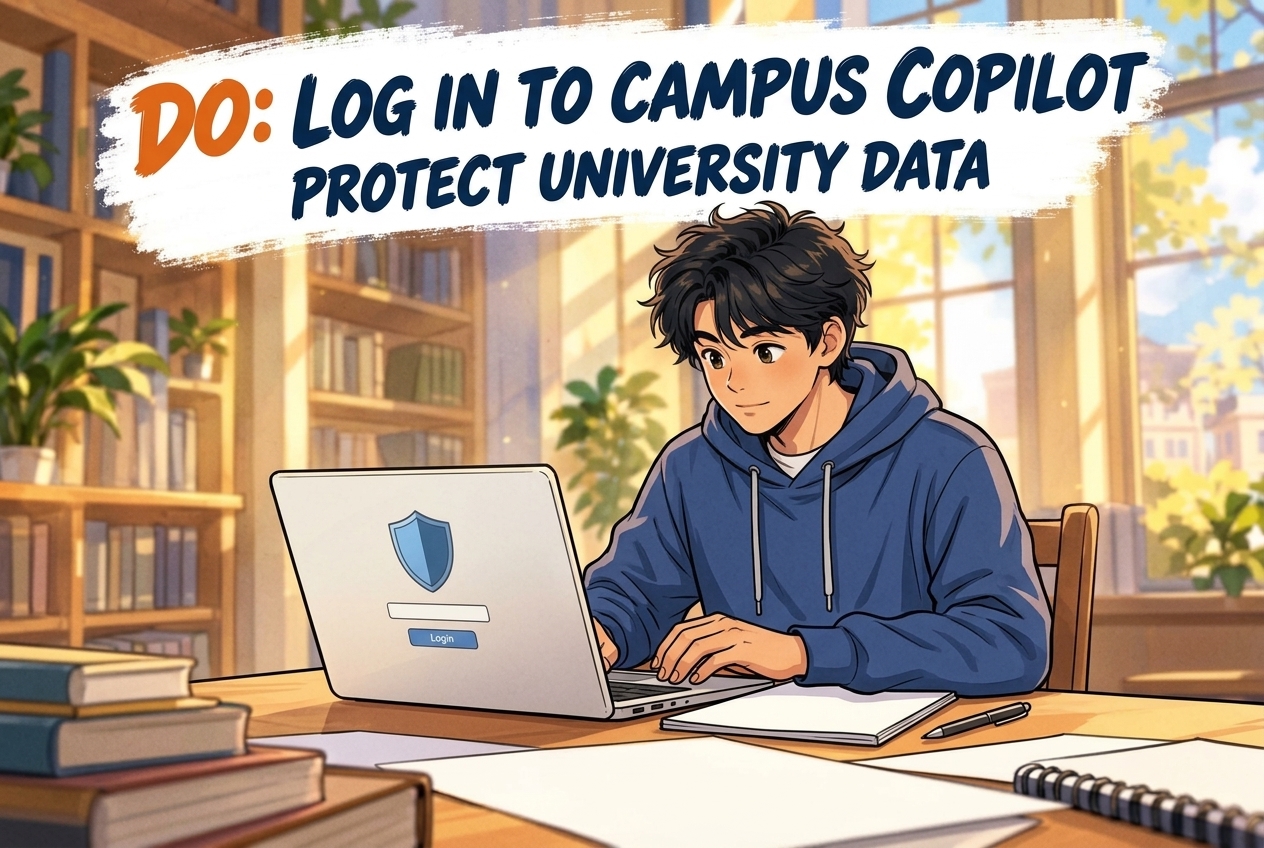
- Use UVic sign-in and check Copilot Chat enterprise protection.
- Use approved CAL tools and discuss additional software in advance.
Victoria, Canada
Student guide · Task rules and procedure
The official FAQ explains the revised integrity policy, including course permission, approved CAL accommodations and different decision-making roles. UVic-account Copilot Chat protection requires the institutional service. DeepSeek application restrictions retain the local-research-model exception. Full calendar-policy text and the complete appeal filing clock remain access gaps.
Panduan dasar di bawah adalah dalam bahasa Inggeris; bukti rasmi dikekalkan dalam bahasa asal.
Ringkasan lengkap peraturan pelajar belum tersedia; rujuk pernyataan dan sumber yang dikumpulkan.
The official FAQ explains the revised integrity policy, including course permission, approved CAL accommodations and different decision-making roles. UVic-account Copilot Chat protection requires the institutional service. DeepSeek application restrictions retain the local-research-model exception. Full calendar-policy text and the complete appeal filing clock remain access gaps.

Tambahan dikumpulkan: 2026-10-08 · Pemakaian semasa belum disahkan secara bebas
Ringkasan kini tersedia dalam bahasa Inggeris
Tafsiran laman
The FAQ explains the policy effective September 2026. Course outlines specify GenAI permission; ask the instructor if unsure. UVic does not permit GAITs to grade work or determine a violation, including as investigation evidence; the FAQ says allowing AI-detection software would require Senate approval. This is FAQ guidance, not the full calendar policy text.
Skop: students · Official explanatory FAQ for September 2026 policy; full calendar policy was not extractable from the SPA shell.
Skop: students · university
UVic is implementing a new Policy on Academic Integrity, effective September 2026. The revised policy is designed to better reflect today's learning and teaching realities, including use of new technologies.
The Policy is available in the September 2026 Academic Calendars:
Undergraduate
Graduate
The policy is the result of a comprehensive three-year consultation process led by a Senate sub-committee, involving students, faculty and staff across campus. It was approved by Senate at their May 2026 meeting. The current policy was last updated in 2017.
Summary of changes
The policy revisions centre on ways for students and instructors to address first-time mistakes without immediately resorting to severe penalties. Revisions also provide clearer definitions, processes and roles to support consistent decision-making. The policy seeks to clarify potentially confusing language and provides better transparency on long-standing processes.
The new policy is designed to reduce bias through a set of structural safeguards. There is an emphasis on clear definitions, standardized processes, and shared decision-making, which help ensure consistent application across cases. The policy also builds in procedural fairness as students must be informed of allegations, allowed to respond, and have access to appeals and independent oversight through each report coming through the chair after an instructor makes their decision.
The policy also uses proportionate, escalating penalties and distributes responsibility across multiple roles to limit individual discretion, and it explicitly restricts the use of AI tools in determining violations to avoid systemic bias. Together, these measures aim to minimize both individual and structural bias in how violations are identified and enforced.
Academic integrity
Academic integrity is the foundation of all academic work at UVic. It is based on honesty, trust, fairness, respect, responsibility and courage. As per the new policy, students must not engage in “acts of dishonesty, falsification, misrepresentation, or deception” in their academic work.
Questions about citation, collaboration and AI use are common, particularly in new learning contexts. Students are encouraged to ask their instructors for clarification if expectations are unclear.
Academic integrity violations
Violations fall into two categories:
Academic dishonesty: misconduct within a course, such as plagiarism, cheating, or using AI tools without your instructor's permission.
Academic fraud: serious misconduct that may affect your academic record, such as forging documents or misrepresenting your credentials.
Use of AI tools
Instructor use
As per the Senate-approved course outline requirements, all instructors should indicate the learning and teaching technologies used in their course. UVic does not permit instructors to use Generative Artificial Intelligence Tools (GAITs) to grade students’ work or to determine whether a student has violated the Policy on Academic Integrity.
Refer to the undergraduate and graduate academic calendars for information about what to include in course outlines, or contact LTI at asklti@uvic.ca for support.
Student use
The course outline provided by your instructor at the beginning of the term will indicate whether you are allowed to use Generative AI tools (like ChatGPT, Claude, CoPilot, etc.).
If your instructor prohibits use of a tool, it is considered an academic integrity violation if you use it. Unauthorized use includes using tools or an “editor” to generate, complete, manipulate, revise, correct or alter your work.
If you are unsure, ask your instructor.
Can instructors use AI-detection software to detect violations?
UVic does not permit instructors to use generative artificial intelligence tools (GAITs) to grade students’ work or to determine whether a student has violated the Policy on Academic Integrity. These tools are known to produce unreliable and often inaccurate results, and violates the university’s privacy policy. As such, they are not permitted as part of any investigation or as evidence when considering a potential violation.
If the university ever chose to allow AI‑detection software in the future, this would represent a significant change to how academic integrity is assessed. For that reason, such a decision would need to go to Senate for approval, ensuring that any shift in practice is transparent, deliberate and aligned with the policy.Lihat sumber rasmi ↗Dikumpulkan: 2026-10-08 · 110–136
SHA-256: 2cb17fde46375fac8f4d236dae7329df9db4d7cc01fbb6cc40310a1c1022fcbf
Tafsiran laman
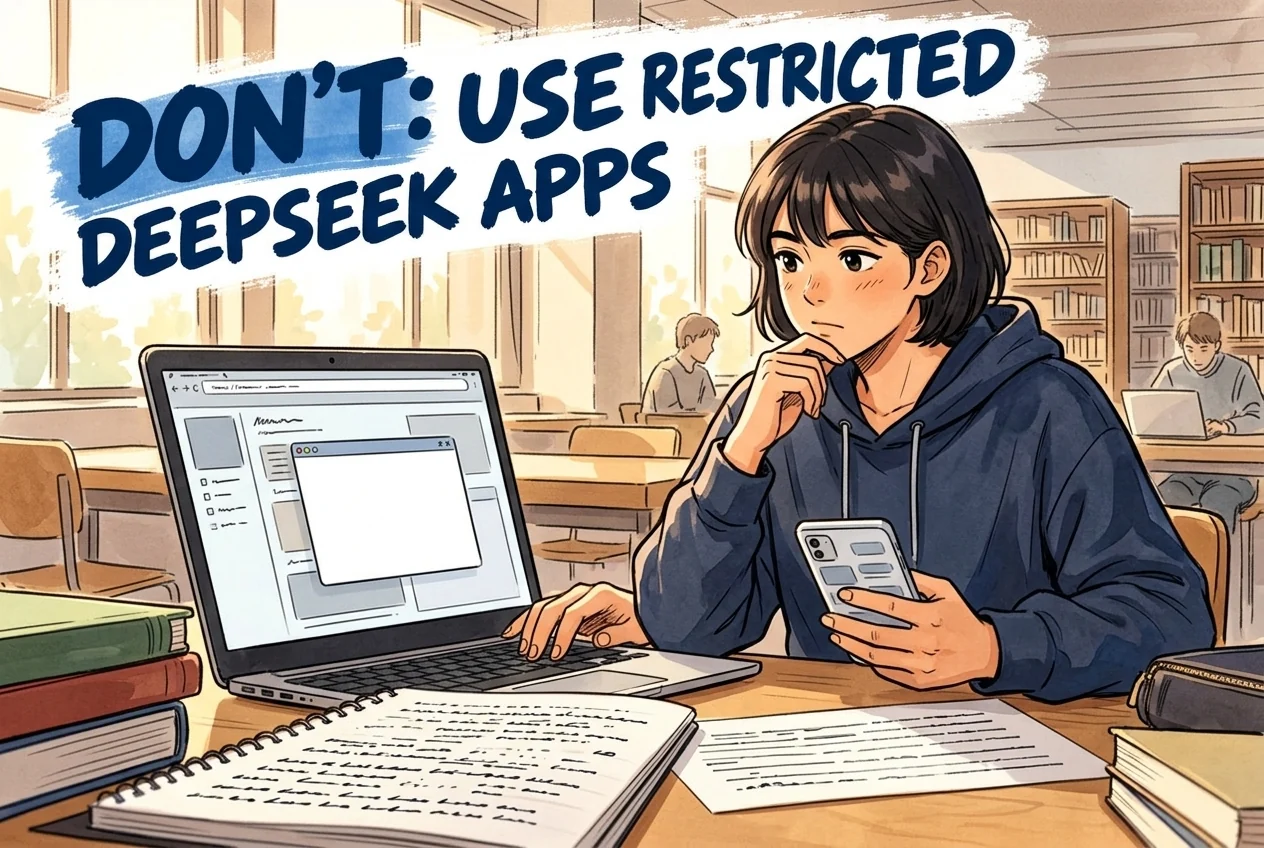
UVic restricts DeepSeek web/mobile applications on its network, UVic-owned devices and personal devices used for University business. Personal installation is discouraged. The notice separately permits the locally run DeepSeek model for research purposes; do not convert the application restriction into a ban on every local model.
Skop: students · Scope is limited to the cited official source and stated conditions; this is a local candidate, not a complete university rule set.
Skop: students · university
UVic has reviewed expert findings and has determined the following:
DeepSeek web and mobile applications accessed via web browser or mobile application do not meet UVic’s information security standards.
UVic will restrict access to DeepSeek applications on the UVic network and for UVic-owned devices. This includes all users and devices on-campus, on UVic wireless networks, or using UVic VPN.
UVic will restrict the use of DeepSeek on UVic-owned or personal devices used for university business, including laptops and phones. UVic also discourages the use or installation of DeepSeek on personal devices.
UVic understands the use of AI tools can provide benefits for learning and research, and has published a Generative Artificial Intelligence (GenAI) Position Statement and Guidelines for Using Generative AI in Research. UVic users can use Microsoft 365 Copilot Chat as an approved Generative AI solution. For those who require it for research purposes, the DeepSeek Model (currently not known to be high-risk) can be downloaded and run locally.Lihat sumber rasmi ↗Dikumpulkan: 2026-10-08 · 58–62
SHA-256: c1ede88f739cd40784764c7e0528f47b07cc5fb82eb40be1f5640a1478b2d57a
Tafsiran laman
The FAQ says the Notice of Alleged Violation arrives within 10 business days of the instructor becoming aware. Students then have 10 business days to respond to a meeting, may bring support, and may consult the Ombudsperson or Office of Student Life. The abbreviated student-window wording is retained; no calendar calculation or appeal clock is inferred.
Institusi · Diperlukan bagi prosedur ini
Dalam tempoh yang dinyatakan. Semak titik mula, skop dan pengecualian dalam ringkasan serta teks asal.
Skop: students · Scope is limited to the cited official source and stated conditions; this is a local candidate, not a complete university rule set.
Skop: students · university
Policy violations
Students accused of an academic integrity violation will receive a Notice of Alleged Academic Integrity Violation within 10 business days of their instructor becoming aware of the alleged violation. Students then have 10 business days to respond to a meeting with the instructor. Students may bring a support person and consult the Ombudsperson or Office of Student Life.Lihat sumber rasmi ↗Dikumpulkan: 2026-10-08 · 146–147
SHA-256: 2cb17fde46375fac8f4d236dae7329df9db4d7cc01fbb6cc40310a1c1022fcbf
Tafsiran laman
An instructor may assign a warning/module, redo or supplementary work, a deduction or zero for the work; repeat cases go to the specified departmental/associate-dean role. An instructor cannot fail the course or rescind a degree: these powers belong respectively to the specified Chair/Director/Associate Dean and Senate process.
Skop: students · Scope is limited to the cited official source and stated conditions; this is a local candidate, not a complete university rule set.
Skop: students · university
What penalties can my instructor assign based on a violation?
Your instructor has the option to assign the following penalties:
give you a warning and assign you to retake (Brightspace academic integrity modules)
require you to redo the work, or to do supplementary work
assign a grade deduction penalty for the work
assign a grade of “0” for the work
The policy provides an opportunity for learning between you and your instructor for when a student misunderstands the policy. If you are found to have violated the policy more than once, the case is referred to the Chair or Director of the department of the course (or Associate Dean for Business and Law).
Can my instructor fail me from the course based on a violation?
An instructor cannot fail you from a course based on a violation. This decision lies with the Chair/Director of the Department or School you are in (or Associate Dean for Business and Law). Your instructor also cannot rescind your degree. This is only a decision that can be made by Senate through a recommendation by the faculty Dean to the Senate Committee on Academic Standards and then the full Senate body at a closed meeting.
Can my instructor or UVic rescind my degree after I have graduated?
Rescinding a degree is an extremely serious action, and the university approaches it with great care and only in exceptional circumstances. The university has always had the ability to rescind a degree in rare cases. The new policy makes this explicit, so students have clear, transparent information.
This is not something that happens lightly or without due process. To rescind a degree, a dean of a faculty would need to recommend the matter to the Senate Committee on Academic Standards which would, in turn, decide whether to recommend this to the full Senate for a decision at a closed meeting. Individual instructors do not have the authority to rescind a degree.Lihat sumber rasmi ↗Dikumpulkan: 2026-10-08 · 148–159
SHA-256: 2cb17fde46375fac8f4d236dae7329df9db4d7cc01fbb6cc40310a1c1022fcbf
Tafsiran laman
The FAQ gives all students a right to appeal and emphasizes correct procedure rather than reassessing academic judgment, with Ombudsperson and Student Life support. It states balance of probabilities as the standard. It does not give the complete appeal filing clock here.
Skop: students · Scope is limited to the cited official source and stated conditions; this is a local candidate, not a complete university rule set.
Skop: students · university
Appealing a decision
All students have the right to appeal a decision, whether the decision was made by an instructor, Chair/Director, Associate Dean, Dean, Provost or President.
Appeals focus on whether the correct procedures were followed, rather than re‑evaluating the academic judgement itself. This doesn’t mean that unreasonable decisions are left in place. It means that the academic expertise of instructors in assessing their own course material is respected, while still ensuring that decisions are fair and grounded in proper process.
Students don't have to navigate an appeal on their own. The Ombudsperson and Office of Student Life offer guidance, support and clarity as students move through the process, making sure they understand their options and feel supported every step of the way.
Standard of proof
In the previous policy, there was no defined standard of proof. Instead, it referred to evidence needing to be "compelling." However, "compelling" is not a legal standard and consultations showed that people interpreted it differently. This led to confusion and inconsistent decisions across campus.
"The standard of proof itself has not changed. "Compelling" is not a standard of proof; it simply means that the evidence had to be believable enough to raise a real concern.
The updated policy now uses a clear and widely accepted standard called "Balance of Probabilities." This means "is it more likely than not that the violation occurred?" This is the standard used in civil and administrative matters across Canada, and it provides a fair, consistent and precise threshold for decision-making.Lihat sumber rasmi ↗Dikumpulkan: 2026-10-08 · 161–168
SHA-256: 2cb17fde46375fac8f4d236dae7329df9db4d7cc01fbb6cc40310a1c1022fcbf
Tafsiran laman
Basic writing aids are usually permitted subject to course guidelines for generated or substantially revised content. Approved CAL accommodation tools do not constitute a violation; tell the instructor in advance about software outside the course list or CAL letter and consult the Accessibility Advisor.
Skop: students · Scope is limited to the cited official source and stated conditions; this is a local candidate, not a complete university rule set.
Skop: students · university
Use of editors
Students can usually use basic writing aids (spellcheck, grammar), but any tool that generates or substantially revises content must follow the instructor's course-specific guidelines, as indicated in the course outline.
Peer review, tutoring and feedback—including review from fellow students that does not involve editing your work—are permitted unless your instructor explicitly prohibits it.
Anyone who edits, rewrites, or alters your work (unless explicitly allowed by your instructor) is not permitted.
If in doubt, check with your instructor.
Students with disabilities
Students registered with the Centre for Accessible Learning (CAL) will not be found in violation of the Policy on Academic Integrity for using the approved tools they need to access their education. Screen readers, transcription software, and other assistive technologies are essential supports for many students, and the university recognizes their importance.
If you need to use software that isn't already listed by your instructor or formally included in your CAL accommodation letter, please let your instructor know ahead of time. This is to ensure you aren't unintentionally put in a difficult position if a tool behaves in a way that your instructor didn't expect.
When a tool is part of an approved CAL accommodation, the university is committed to working with you to ensure barriers are mitigated and that you can participate fully and fairly in your learning. If you have questions, please connect with your CAL Acessibility Advisor or their main desk at calfrontdesk@uvic.ca.Lihat sumber rasmi ↗Dikumpulkan: 2026-10-08 · 137–145
SHA-256: 2cb17fde46375fac8f4d236dae7329df9db4d7cc01fbb6cc40310a1c1022fcbf
Tafsiran laman
UVic’s service page, updated 6 November 2025, describes free Microsoft 365 Copilot Chat for everyone with a UVic Microsoft 365 account, with enterprise data protection. It distinguishes the personal chatbot and paid add-on. These are attributed service terms, not independent live-account/security verification.
Skop: students · Scope is limited to the cited official source and stated conditions; this is a local candidate, not a complete university rule set.
Skop: students · university
Information last updated November 6, 2025
Microsoft offers many products that use the Copilot brand. Microsoft 365 Copilot Chat is a UVic-managed AI chatbot service that everyone with a UVic Microsoft 365 account can use. It uses enterprise data protection, which ensures that your data won’t be used for AI training or stored outside of Canada. It’s not the same as:
Microsoft Copilot (a personal chatbot without enterprise data protection)
Microsoft 365 Copilot (a paid add-on that lets you use advanced generative AI tools for your UVic work)
For more information about the Microsoft’s various products called Copilot:
Microsoft Copilot products (UVic)
Which Copilot is right for me or my organization? (Microsoft)
Details
Type
Microsoft 365 app
For
Anyone who uses UVic Microsoft 365
Cost
FreeLihat sumber rasmi ↗Dikumpulkan: 2026-10-08 · 50–63
SHA-256: bb7d3896becb66d852aaa1e8e0fe2f1af25a93f30397e6d2aee6ed5551de31ec
Tafsiran laman
For UVic Copilot Chat protection, sign in with the UVic account, use the M365 service and check the enterprise protection symbol before entering UVic data. A personal account or no sign-in instead opens the consumer service without that protection. Account protection does not replace course permission.
Skop: students · Scope is limited to the cited official source and stated conditions; this is a local candidate, not a complete university rule set.
Skop: students · university
You can use the M365 Copilot Chat web app, the Microsoft 365 mobile apps, or chat with it in a sidebar-like pane in various Microsoft apps. While the UIs vary, they have a few common elements:
the enterprise data protection symbol (a green shield with a checkmark in it, like )
this shows that you’re using UVic’s secure Copilot Chat and not the free consumer chatbot (“Microsoft Copilot”)
buttons to start a new chat and see more options
a text field with placeholder text (typically "Message Copilot”) where you can enter prompts
example prompts
The enterprise data protection symbol () is the only thing that consistently distinguishes the 2 versions of the chatbot. Always make sure that the symbol is there before entering any UVic data into a Copilot chat.
The M365 Copilot Chat on the web interface as of August 8, 2025.
The M365 Copilot Chat pane in Outlook (left) and Edge (right) as of August 8, 2025.
Privacy & security
M365 Copilot Chat data is secured by enterprise data protection, but be careful. You must be signed in to Microsoft 365 with your UVic account to benefit from M365 Copilot Chat’s security features.
If you’re signed in with a personal Microsoft 365 account (or not signed in at all), you’ll see Microsoft Copilot, a consumer chatbot, instead. It doesn’t use enterprise data protection. Anything you enter in Microsoft Copilot can be accessed by Microsoft and used as training data.
If you're using it on the web, make sure you're on the right page. The Microsoft 365 Copilot Chat URL starts with m365.cloud.microsoft. The personal, insecure Microsoft Copilot is at copilot.microsoft.com.Lihat sumber rasmi ↗Dikumpulkan: 2026-10-08 · 69–81
SHA-256: bb7d3896becb66d852aaa1e8e0fe2f1af25a93f30397e6d2aee6ed5551de31ec
Tambahan berasaskan sumber yang diterbitkan. Ringkasan Inggeris dan petikan asal dipisahkan daripada rekod yang disemak. Proses dan hasil bukan hukuman automatik bagi penggunaan AI. Pemakaian semasa belum disahkan secara bebas; semak skop dan versi sumber.
Disemak dengan teks tersimpan; bukan terjemahan rasmi
Hash membolehkan perbandingan teks tersimpan; ia tidak mengesahkan kesahan semasa atau ketidakbolehubahan. Tema ini bukan urutan wajib.
Akses alat bukan kebenaran menggunakannya dalam penilaian. Semak peraturan tugasan, pengguna yang layak dan sekatan data.
Rekod arkib; semak sumber rasmi untuk akses semasa. Butiran akses dan petikan dikekalkan dalam bahasa asal.
Petikan asal
For UVic administrative or operational work, University Systems states that Microsoft Copilot is the GenAI tool approved for use with UVic Data, while publicly available tools such as ChatGPT, Claude, Gemini, and Perplexity are not approved for highly confidential, confidential, or internal UVic Data.Petikan asal
Publicly available GenAI tools such as ChatGPT, Claude, Gemini, Perplexity, etc.Petikan asal
For UVic administrative or operational work, University Systems states that Microsoft Copilot is the GenAI tool approved for use with UVic Data, while publicly available tools such as ChatGPT, Claude, Gemini, and Perplexity are not approved for highly confidential, confidential, or internal UVic Data.Petikan asal
Publicly available GenAI tools such as ChatGPT, Claude, Gemini, Perplexity, etc.Petikan asal
UVic states that Microsoft 365 Copilot Chat is a UVic-managed AI chatbot service available to everyone with a UVic Microsoft 365 account, and that its enterprise data protection applies only when users are signed in with their UVic account.Petikan asal
Microsoft 365 Copilot Chat is a UVic-managed AI chatbot service that everyone with a UVic Microsoft 365 account can use.Petikan asal
For UVic administrative or operational work, University Systems states that Microsoft Copilot is the GenAI tool approved for use with UVic Data, while publicly available tools such as ChatGPT, Claude, Gemini, and Perplexity are not approved for highly confidential, confidential, or internal UVic Data.Petikan asal
Publicly available GenAI tools such as ChatGPT, Claude, Gemini, Perplexity, etc.UVic plans an add-on M365 Copilot license for purchase in 2026.
Purchase the add-on license when it becomes available.
Not specified.
Petikan asal
UVic University Systems' Microsoft 365 Copilot service page says Microsoft 365 Copilot is an add-on license that will be available for purchase in 2026.Petikan asal
UVic states that Microsoft 365 Copilot Chat is a UVic-managed AI chatbot service available to everyone with a UVic Microsoft 365 account, and that its enterprise data protection applies only when users are signed in with their UVic account.Petikan asal
Microsoft 365 Copilot Chat is a UVic-managed AI chatbot service that everyone with a UVic Microsoft 365 account can use.Copilot Chat is part of UVic's M365 service with enterprise data protection.
Access UVic's M365 Copilot Chat service.
Free.
Petikan asal
M365 Copilot Chat is a free chatbot that is part of UVic’s M365 service and uses enterprise data protection to keep data secure and private.Petikan asal
For UVic administrative or operational work, University Systems states that Microsoft Copilot is the GenAI tool approved for use with UVic Data, while publicly available tools such as ChatGPT, Claude, Gemini, and Perplexity are not approved for highly confidential, confidential, or internal UVic Data.Petikan asal
For UVic administrative or operational work, University Systems states that Microsoft Copilot is the GenAI tool approved for use with UVic Data, while publicly available tools such as ChatGPT, Claude, Gemini, and Perplexity are not approved for highly confidential, confidential, or internal UVic Data.Petikan asal
Publicly available GenAI tools such as ChatGPT, Claude, Gemini, Perplexity, etc.Reviewed record
Pernyataan yang disemak: 7
Pengajaran
Nilai ternormalisasi: no_general_ban_course_level_instructor_guidance_no_genai_grading
Bukti asal
Bukti 1UVic does not have a general ban on the use of GAITs including ChatGPT. Instead, UVic embraces the appropriate and ethical use of GAITs in learning and teaching. We recognize potential concerns associated with the use of GAITs.
Security Review
Nilai ternormalisasi: deepseek_restricted_on_uvic_network_and_university_business_devices
Bukti asal
Bukti 1UVic will restrict access to DeepSeek applications on the UVic network and for UVic-owned devices. This includes all users and devices on-campus, on UVic wireless networks, or using UVic VPN.
Penyelidikan
Nilai ternormalisasi: research_tri_agency_alignment_transparency_confidential_data_caution
Bukti asal
Bukti 1Researchers should embrace full transparency when it comes to communicating the role of these technologies in their work. Such transparency is in accordance with the norms of scientific reproducibility, rigour, and openness.
Ai Tool Treatment
Nilai ternormalisasi: {"tool":"microsoft_copilot","rawToolName":"Microsoft 365 Copilot Chat","description":"Copilot Chat is part of UVic's M365 service with enterprise data protection.","howToObtain":"Access UVic's M365 Copilot Chat service.","costToUser":"Free.","availability":"allowed","endorsementType":"officially_endorsed"}
Bukti asal
Bukti 1M365 Copilot Chat is a free chatbot that is part of UVic’s M365 service and uses enterprise data protection to keep data secure and private.
Paparan setempat only
M365 Copilot Chat is a free chatbot that is part of UVic’s M365 service and uses enterprise data protection to keep data secure and private.
Ai Tool Treatment
Nilai ternormalisasi: {"tool":"microsoft_copilot_for_m365","rawToolName":"Microsoft 365 Copilot","description":"UVic plans an add-on M365 Copilot license for purchase in 2026.","howToObtain":"Purchase the add-on license when it becomes available.","costToUser":"Not specified.","availability":"conditionally_allowed","endorsementType":"officially_endorsed"}
Bukti asal
Bukti 1UVic University Systems' Microsoft 365 Copilot service page says Microsoft 365 Copilot is an add-on license that will be available for purchase in 2026.
Paparan setempat only
UVic University Systems' Microsoft 365 Copilot service page says Microsoft 365 Copilot is an add-on license that will be available for purchase in 2026.
Ai Tool Treatment
Nilai ternormalisasi: administrative_use_microsoft_copilot_approved_for_uvic_data
Bukti asal
Bukti 1The GenAI tool approved for use with UVic Data is Microsoft Copilot. Publicly available GenAI tools such as ChatGPT, Claude, Gemini, Perplexity, etc. have not been approved for use with Highly Confidential, Confidential, or Internal classifications of UVic Data.
Ai Tool Treatment
Nilai ternormalisasi: m365_copilot_chat_available_to_uvic_m365_accounts_enterprise_data_protection_when_signed_in
Bukti asal
Bukti 1Microsoft 365 Copilot Chat is a UVic-managed AI chatbot service that everyone with a UVic Microsoft 365 account can use. It uses enterprise data protection, which ensures that your data won’t be used for AI training or stored outside of Canada.
Source record
Sumber: 6
uvic.ca
uvic.ca
uvic.ca
uvic.ca
uvic.ca
teachanywhere.uvic.ca
Citation: University AI Policy Tracker. "University of Victoria (UVic) AI Policy Tracker record." Last checked July 19, 2026. https://eduaipolicy.org/universities/university-of-victoria-uvic
Original university source language remains canonical. This tracker is not an official university statement.
Buka log perubahanSaved from University AI Policy Tracker. This record summarizes the cited sources; it is not an official university statement or assessment permission. Source and review dates are listed above. Hashes identify retained content, not authorization.