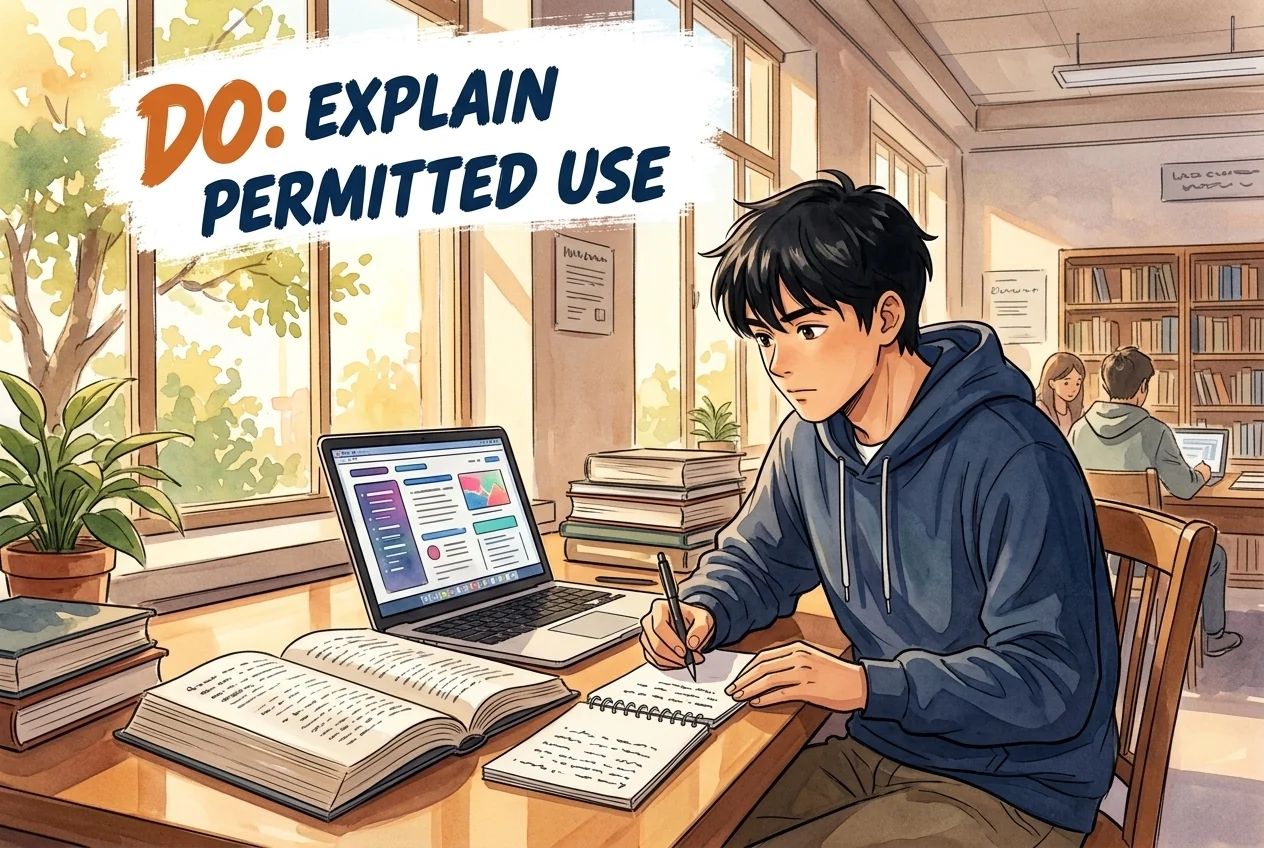
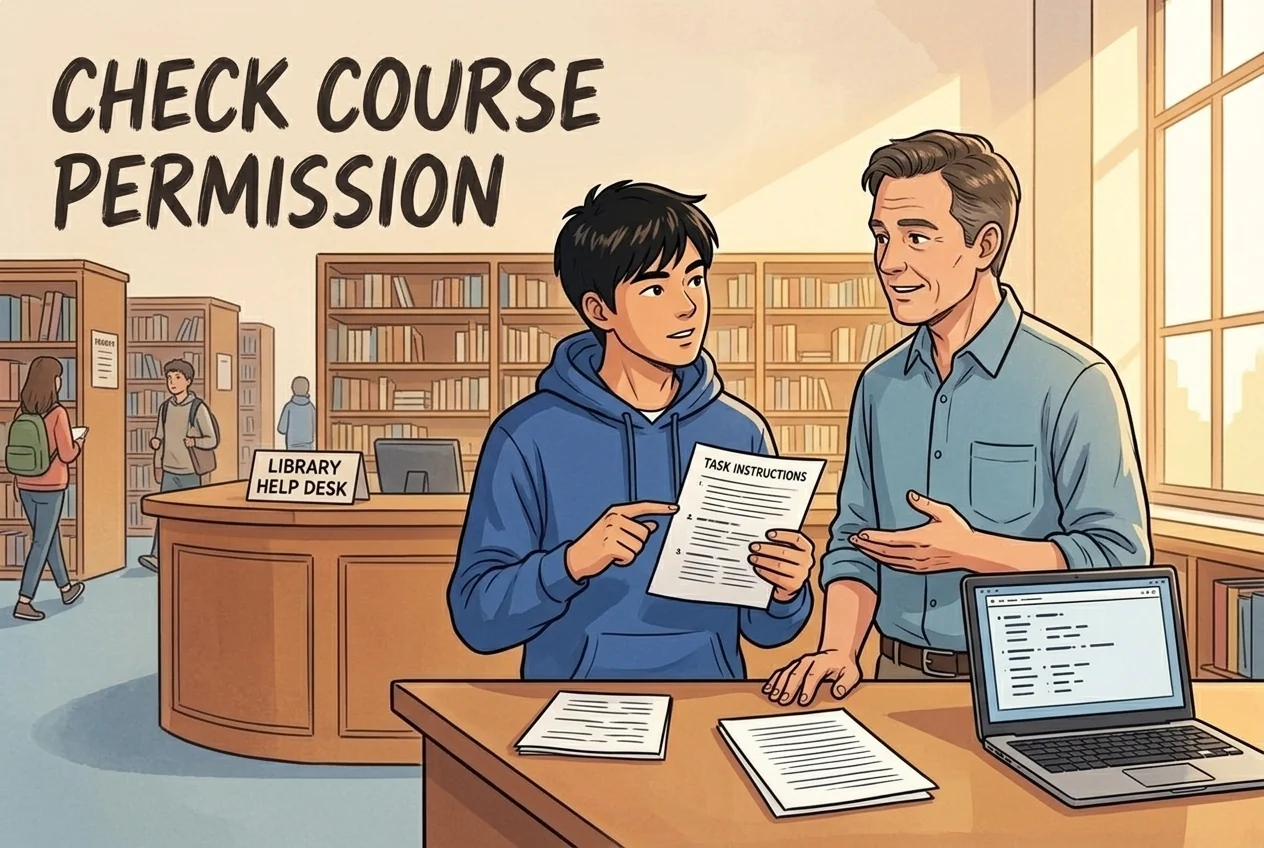
Wel doen
- Read the course’s permission and documentation rules.
- Use MC1 login for Copilot enterprise protection.
- Read the full policy, sanction letter and appeal form.
Ottawa, Canada
Student guide · Task scope and procedure
Course permission differs from platform approval. The Senate-linked 2021 policy specifies working-day appeal rules; the shorter Registrar summary differs and is not silently merged.
De onderstaande richtlijnen zijn in het Engels; officiële bewijsstukken behouden hun oorspronkelijke taal.
Er is nog geen volledige samenvatting van de studentenregels; bekijk de verzamelde uitspraken en bronnen.
Course permission differs from platform approval. The Senate-linked 2021 policy specifies working-day appeal rules; the shorter Registrar summary differs and is not silently merged.

Aanvulling verzameld: 2026-10-09 · Huidige toepasselijkheid niet onafhankelijk bevestigd
Samenvatting momenteel beschikbaar in het Engels
Interpretatie van de site
Instructor guidance calls for clear course-specific permission and documentation expectations. Suspected unauthorised AI use should be reported to the dean’s office rather than confronting or punishing the student directly. This is instructor guidance, not a student-wide AI permission.
Reikwijdte: Instructors; implications for their students · Only the captured source, version, audience and conditions; no exhaustive currency certification.
Reikwijdte: Instructors; implications for their students · university
No course-independent permission inferred.
Using AI tools to generate content for assignments and presenting it as one’s own original work, as well as copying or paraphrasing the content produced by AI tools without proper citations and the instructor’s consent, are both considered to be in violation of academic integrity. See Carleton’s policy on academic integrity for more information.
If you suspect that an assignment has been completed with unauthorized use of generative AI tools, you should not confront the student or engage in punitive actions. Instead, you should proceed as with any other potential allegation of academic misconduct and report them to the dean’s office.
You should not rely on AI detection tools for allegations of academic misconduct. Instead, provide as much background information and details as possible about the context of your course and/or discipline that would allow the dean’s office to gain a better understanding of each potential case. Carefully document any problems with a student’s assignment that would violate the Academic Integrity Policy, such as missing, inaccurate or fictitious references.
Preparing Syllabus Language
Whether you decide to encourage the use of AI tools in your course or not, it’s important to clearly communicate your expectations with students. You should describe how students ought to engage with GenAI in your course, including examples of what is permitted and what isn’t, as well as how AI use should be documented, if at all. It’s also important to explain your rationale for adopting your AI policy. We’ve prepared some sample syllabus language to help you get started.Bekijk officiële bron ↗Verzameld: 2026-10-09 · 31–35
SHA-256: d0cb596c20dede2d75b713a79ac83ffb813e602ad17dcaf0a6d7c149774e5d82
Interpretatie van de site
Use MyCarletonOne login for Copilot enterprise protection. The AI data-protection page identifies Microsoft Copilot as the only GenAI platform to have completed a DPRA and therefore the only approved platform under that page. Institutional approval does not override course restrictions.
Reikwijdte: Students in the cited programme/course/stage only · Only the captured source, version, audience and conditions; no exhaustive currency certification.
Reikwijdte: Students in the cited programme/course/stage only · university
Source-page platform scope; course permission separate.
Ensure you have Enterprise Data Protection enabled by taking the following steps.
1. Log In with Your MC1 Password
To ensure Enterprise Data Protection is enabled when using Microsoft Copilot, remember to log in with your MyCarletonOne password
2. The Green Shield Means You’re Safe
After logging in, look for the green shield in the upper right-hand corner of their chat session to confirm that Enterprise Data Protection is enabled.
Data Protection Risk Assessments
A Data Protection Risk Assessment (DPRA) evaluates the cybersecurity controls for cloud data, the protections for personally identifiable information (PII) and legal and insurance protections for Carleton.
This includes “free” services. AI is extremely resource intensive and vendors of LLMs profit from access to our data. Use in an academic setting may violate the LLM’s terms of use, as most “free” software is free for home use only. Using unapproved AI puts Carleton at legal, financial and reputational risk. Such use may contravene the university’s Cloud Computing Security policy.
Microsoft Copilot is the only GenAI platform that has successfully completed a DPRA, and is therefore Carleton’s only approved platform.Bekijk officiële bron ↗Verzameld: 2026-10-09 · 35–43
SHA-256: b3be4ea0ea4a35bdbdd37147ba4df1c266598e029429e5a9290ae3443c5c44dd
Interpretatie van de site
The 2021 Senate policy says a required Dean meeting is normally scheduled within fifteen working days of allegation receipt or as soon thereafter as practicable. If a student does not respond to the allegation letter within five working days, or misses the meeting, the Dean may decide on available evidence. The five-day clause does not explicitly define its starting event.
Instelling · normally
Binnen de vermelde termijn. Controleer startpunt, reikwijdte en uitzonderingen in de samenvatting en oorspronkelijke tekst.
Student · Verplicht bij deze procedure
Binnen de vermelde termijn · Startpunt niet gespecificeerd. Controleer startpunt, reikwijdte en uitzonderingen in de samenvatting en oorspronkelijke tekst.
Reikwijdte: Students in the cited programme/course/stage only · Only the captured source, version, audience and conditions; no exhaustive currency certification.
Reikwijdte: Students in the cited programme/course/stage only · university
Published Senate-linked 2021 version; currentness not exhaustively certified.
The student or Dean may request a meeting to discuss the allegation. If a meeting is required, it will be
scheduled to occur normally within fifteen (15) working days or as soon thereafter as practicable
following the receipt of the allegation by the Dean’s office. At the request of either the Dean or the
student, a representative from Ombuds Services may be invited to the meeting as an impartial
observer.
If the student does not respond to the Dean’s Letter of Allegation within 5 working days, or if the student
does not attend a scheduled meeting, the Dean may then make a decision based on the available
evidence.Bekijk officiële bron ↗Verzameld: 2026-10-09 · 391–399
SHA-256: 197146895e2a89c53a3d9fd8556feda847d334f7c0c94165004470314fc8e4ae
Interpretatie van de site
The Senate-linked 2021 policy says students should begin appeal within ten working days of receiving the sanction letter. The sanction remains effective; extreme hardship may justify a requested stay. Exceptional extension requests go to the Registrar. This full-policy unit differs from the shorter Registrar summary’s unspecified ten days.
Student · Dient ingediend te worden
Binnen de vermelde termijn. Controleer startpunt, reikwijdte en uitzonderingen in de samenvatting en oorspronkelijke tekst.
Reikwijdte: Students in the cited programme/course/stage only · Only the captured source, version, audience and conditions; no exhaustive currency certification.
Reikwijdte: Students in the cited programme/course/stage only · university
Full policy uses working days; shorter summary discrepancy retained; no automatic stay or late acceptance.
The Appeal Process
An appeal should be started by a student at the University Registrar’s Office within ten (10) working days
from the time that the student receives the letter notifying them of the sanction imposed under the Policy.
The original sanction will remain in effect until the appeal process is completed. In cases of extreme
hardship, and following a request from the student, the Committee may grant a student a stay of sanction
pending appeal. In this case, a grade of GNA may be given to the student until the appeal is decided.
Appeals are submitted on-line using the University Registrar’s Office On-line Appeal Application form
made available on the University Registrar’s Office website. The appeal must contain a concise
statement that identifies precisely the grounds for the appeal. Students are advised to consult with
Ombuds Services for assistance in completing their appeal documentation.Bekijk officiële bron ↗Verzameld: 2026-10-09 · 645–657
SHA-256: 197146895e2a89c53a3d9fd8556feda847d334f7c0c94165004470314fc8e4ae
3. The appeal process should follow the timelines set out in the Policy. Timeframes are subject to
extension only in exceptional circumstances, such as medically documented illness or religious
obligations. A request for an extension should be directed to the University Registrar’s Office. The
Officeof Equity Services will provide students with advice on how to document religious obligations.Bekijk officiële bron ↗Verzameld: 2026-10-09 · 769–772
SHA-256: 197146895e2a89c53a3d9fd8556feda847d334f7c0c94165004470314fc8e4ae
Appeal Process
All students have the right to appeal a sanction imposed pursuant to this Policy to the Student Academic Integrity Appeals Committee. A decision and/or a penalty imposed under the procedures described above should be made within ten (10) days after you have been advised of the decision and/or sanction. Normally, the original sanction will remain in effect until the appeal is completed.
Filing an Appeal
Appeals shall be made in writing using the online appeal application form. The appeal must contain a concise statement that identifies precisely the grounds for the appeal. You are advised to consult with the Ombudsperson or the Assistant Registrar, Central Academic Records for assistance in completing your appeal documentation.
Appeal Decision
The Committee will notify the appellant and original decision-maker in writing within ten (10) days of the time and date that the Senate Committee meets to review the appeal application.Bekijk officiële bron ↗Verzameld: 2026-10-09 · 105–110
SHA-256: cdaed50f87af353d59900126b5f24b192aaee51f0f1cd68288f5b3c3c6b84f40
Interpretatie van de site
The Committee considers the evidence and communicates its decision in writing within ten working days from when its decision is made. This is a University notification period, not a student filing window.
Instelling · Verplicht bij deze procedure
Binnen de vermelde termijn. Controleer startpunt, reikwijdte en uitzonderingen in de samenvatting en oorspronkelijke tekst.
Reikwijdte: Students in the cited programme/course/stage only · Only the captured source, version, audience and conditions; no exhaustive currency certification.
Reikwijdte: Students in the cited programme/course/stage only · university
Decision Making Process:
The Committee shall decide upon appeals after considering documentation provided by the student,
the file provided by the Dean’s office, and other relevant information. The procedural rules for the
hearing of an appeal are attached to the Policy as Terms of Reference.
The Committee shall communicate its appeal decision to the student, the original
decisionmaker(s), Ombuds Services, and individuals who received a copy of the Dean’s decision
letter in writing within ten (10) working days from the time that the Committee’s decision is made.Bekijk officiële bron ↗Verzameld: 2026-10-09 · 674–682
SHA-256: 197146895e2a89c53a3d9fd8556feda847d334f7c0c94165004470314fc8e4ae
Gepubliceerde brongebaseerde aanvullingen. Engelse samenvattingen en oorspronkelijke citaten staan los van het beoordeelde dossier. Mogelijke procedures en uitkomsten zijn geen automatische straffen voor AI. De huidige toepasselijkheid is niet onafhankelijk bevestigd; controleer de bronreikwijdte en versie.
Vergeleken met opgeslagen tekst; geen officiële vertaling
Hashes maken vergelijking van opgeslagen teksten mogelijk; ze bevestigen geen actuele geldigheid of onveranderlijkheid. De onderwerpen vormen geen verplichte volgorde.
Toegang is geen toestemming voor gebruik bij een beoordeling. Controleer opdrachtregels, toegelaten gebruikers en databeperkingen.
Gearchiveerd record; raadpleeg de officiële bron voor actuele toegang. Toegangsgegevens en citaten blijven in de oorspronkelijke taal.
Carleton University provides or institutionally supports Microsoft 365 Copilot.
Use Carleton's paid institutional Copilot path.
No individual price is stated.
Oorspronkelijk citaat
Copilot is offered in two main tiers: the free Microsoft 365 Copilot Chat and the paid Microsoft 365 Copilot.Carleton University provides or institutionally supports Microsoft 365 Copilot Chat.
Use the official university access path.
No individual price is stated.
Oorspronkelijk citaat
Copilot is offered in two main tiers: the free Microsoft 365 Copilot Chat and the paid Microsoft 365 Copilot.Carleton University provides or institutionally supports Scopus AI.
Use the official university access path.
No individual price is stated.
Oorspronkelijk citaat
Carleton users now have access to new generative AI search and chat functionality in both Scopus and Web of ScienceCarleton University provides or institutionally supports Web of Science Research Assistant.
Use the official university access path.
No individual price is stated.
Oorspronkelijk citaat
Carleton users now have access to new generative AI search and chat functionality in both Scopus and Web of ScienceMC1 login enables enterprise data protection. This AI page calls Copilot the only platform with completed DPRA; course permission remains separate.
Sign in with MyCarletonOne and check enterprise protection.
No individual price established by the data-protection page.
Datum broncontrole aanvulling:
Oorspronkelijk citaat
Ensure you have Enterprise Data Protection enabled by taking the following steps.
1. Log In with Your MC1 Password
To ensure Enterprise Data Protection is enabled when using Microsoft Copilot, remember to log in with your MyCarletonOne password
2. The Green Shield Means You’re Safe
After logging in, look for the green shield in the upper right-hand corner of their chat session to confirm that Enterprise Data Protection is enabled.
Data Protection Risk Assessments
A Data Protection Risk Assessment (DPRA) evaluates the cybersecurity controls for cloud data, the protections for personally identifiable information (PII) and legal and insurance protections for Carleton.
This includes “free” Oorspronkelijk citaat
services. AI is extremely resource intensive and vendors of LLMs profit from access to our data. Use in an academic setting may violate the LLM’s terms of use, as most “free” software is free for home use only. Using unapproved AI puts Carleton at legal, financial and reputational risk. Such use may contravene the university’s Cloud Computing Security policy.
Microsoft Copilot is the only GenAI platform that has successfully completed a DPRA, and is therefore Carleton’s only approved platform.Reviewed record
Beoordeelde uitspraken: 8
Academic Integrity
Genormaliseerde waarde: ai_generated_work_without_citation_or_consent_academic_integrity_violation
Oorspronkelijk bewijs
Bewijs 1Using AI tools to generate content for assignments and presenting it as one’s own original work, as well as copying or paraphrasing the content produced by AI tools without proper citations and the instructor’s consent, are both considered to be in violation of academic integrity.
Onderwijs
Genormaliseerde waarde: course_specific_ai_use_parameters_recommended
Oorspronkelijk bewijs
Bewijs 1Include detailed instructions for individual tasks that provide clear parameters for how the tool may and may not be used.
Privacy
Genormaliseerde waarde: approved_ai_tools_for_sensitive_institutional_data
Oorspronkelijk bewijs
Bewijs 1Use only Carleton-approved AI tools for confidential, sensitive or institutional data in line with the Data Protection and Risk Management Policy and the AI Framework for Carleton University.
Ai Tool Treatment
Genormaliseerde waarde: {"tool":"microsoft_copilot","rawToolName":"Microsoft 365 Copilot Chat","description":"Carleton University provides or institutionally supports Microsoft 365 Copilot Chat.","howToObtain":"Use the official university access path.","costToUser":"No individual price is stated.","availability":"allowed","endorsementType":"institutionally_licensed_or_procured"}
Oorspronkelijk bewijs
Bewijs 1Copilot is offered in two main tiers: the free Microsoft 365 Copilot Chat and the paid Microsoft 365 Copilot.
Gelokaliseerde weergave only
Copilot is offered in two main tiers: the free Microsoft 365 Copilot Chat and the paid Microsoft 365 Copilot.
Ai Tool Treatment
Genormaliseerde waarde: {"tool":"microsoft_copilot_for_m365","rawToolName":"Microsoft 365 Copilot","description":"Carleton University provides or institutionally supports Microsoft 365 Copilot.","howToObtain":"Use Carleton's paid institutional Copilot path.","costToUser":"No individual price is stated.","availability":"allowed","endorsementType":"institutionally_licensed_or_procured"}
Oorspronkelijk bewijs
Bewijs 1Copilot is offered in two main tiers: the free Microsoft 365 Copilot Chat and the paid Microsoft 365 Copilot.
Gelokaliseerde weergave only
Copilot is offered in two main tiers: the free Microsoft 365 Copilot Chat and the paid Microsoft 365 Copilot.
Ai Tool Treatment
Genormaliseerde waarde: {"tool":"scopus_ai","rawToolName":"Scopus AI","description":"Carleton University provides or institutionally supports Scopus AI.","howToObtain":"Use the official university access path.","costToUser":"No individual price is stated.","availability":"allowed","endorsementType":"institutionally_licensed_or_procured"}
Oorspronkelijk bewijs
Bewijs 1Carleton users now have access to new generative AI search and chat functionality in both Scopus and Web of Science
Gelokaliseerde weergave only
Carleton users now have access to new generative AI search and chat functionality in both Scopus and Web of Science
Ai Tool Treatment
Genormaliseerde waarde: {"tool":"web_of_science_research_assistant","rawToolName":"Web of Science Research Assistant","description":"Carleton University provides or institutionally supports Web of Science Research Assistant.","howToObtain":"Use the official university access path.","costToUser":"No individual price is stated.","availability":"allowed","endorsementType":"institutionally_licensed_or_procured"}
Oorspronkelijk bewijs
Bewijs 1Carleton users now have access to new generative AI search and chat functionality in both Scopus and Web of Science
Gelokaliseerde weergave only
Carleton users now have access to new generative AI search and chat functionality in both Scopus and Web of Science
Inkoop
Genormaliseerde waarde: microsoft_copilot_only_approved_genai_platform_dpra
Oorspronkelijk bewijs
Bewijs 1Microsoft Copilot is Carleton’s only approved GenAI platform because it offers Enterprise Data Protection and has successfully completed the university’s Data Protection Risk Assessment (DPRA) process.
Source record
Bronnen: 6
carleton.ca
carleton.ca
library.carleton.ca
carleton.ca
carleton.ca
carleton.ca
Citation: University AI Policy Tracker. "Carleton University AI Policy Tracker record." Last checked July 19, 2026. https://eduaipolicy.org/universities/carleton-university
Original university source language remains canonical. This tracker is not an official university statement.
Wijzigingslogboek openenSaved from University AI Policy Tracker. This record summarizes the cited sources; it is not an official university statement or assessment permission. Source and review dates are listed above. Hashes identify retained content, not authorization.